By Rejhan Kavazbasic · 10 min read · Updated 5 November 2026
Setting up your phone for better music
The settings that really make music sound better on iPhone and Android: quality in Spotify, Apple Music, Tidal, Qobuz and Deezer, what your phone does with the signal, Bluetooth codecs, downloads and battery life with a dongle.
From app to ear
Between the track in your app and the sound in your ear there are a few steps. At each step some quality can leak away, and at most of them you can change something. The nice part is that the first steps cost nothing: a few switches in your app and phone.
Streaming app
Highest quality on, separately for Wi-Fi, mobile data and downloads.
Your phone
iPhone: above 48 kHz only to an external DAC. Android: the system often converts everything to one fixed sample rate. EQ and sound effects live here too.
The connection
Wired or wireless decides how much of the quality survives.
USB-C dongle
No extra compression on the way. Watch the gain, the dongle's EQ and the power it draws.
Bluetooth
The codec is the ceiling: SBC, AAC, aptX or LDAC repacks the music.
Your IEMs
Fit and tips make the biggest difference in the whole chain.
One thing first: the biggest gain is almost always at the end. IEMs that seal well with tips of the right size do more than any setting in this article. If you're unsure about that, read our ear tips guide first.
The quality setting in your streaming app
Almost every service sets quality lower than it could by default, to save data. You usually set it three times: for Wi-Fi, for mobile data and for downloads.
| Service | Highest quality | Where to set it |
|---|---|---|
| Spotify (Premium) | Lossless: FLAC up to 24-bit/44.1 kHz | Settings > Media quality. Off by default, and you switch it on per device. |
| Apple Music | Lossless up to 24-bit/48 kHz, Hi-Res Lossless up to 24-bit/192 kHz | iPhone: Settings > Apps > Music > Audio Quality |
| Tidal | Max: FLAC up to 24-bit/192 kHz | Settings > Audio & Playback; downloads separately under Settings > Downloads |
| Qobuz | Hi-Res: FLAC up to 24-bit/192 kHz | In the app's settings, separately for streaming and downloads |
| Deezer | HiFi: FLAC 16-bit/44.1 kHz, included in every paid plan in most countries | Settings > Music > Audio quality |
How much will you hear? The difference between a good compressed stream and lossless is small, and on a train it disappears in the background noise. At home, in a quiet room with good IEMs, you may hear it on some tracks. Lossless costs nothing extra with these services, so switching it on is an easy choice.
And 24-bit/192 kHz? It does no harm, but don't expect miracles. How an album was recorded and mastered usually matters more than the number on the screen.
Mind your data plan
Tidal lists up to 10 MB per minute for High and up to 40 MB per minute for Max. An hour of Max can use up to 2.4 GB. On a limited data plan, set mobile one step lower and listen lossless over Wi-Fi or from downloads.
iPhone
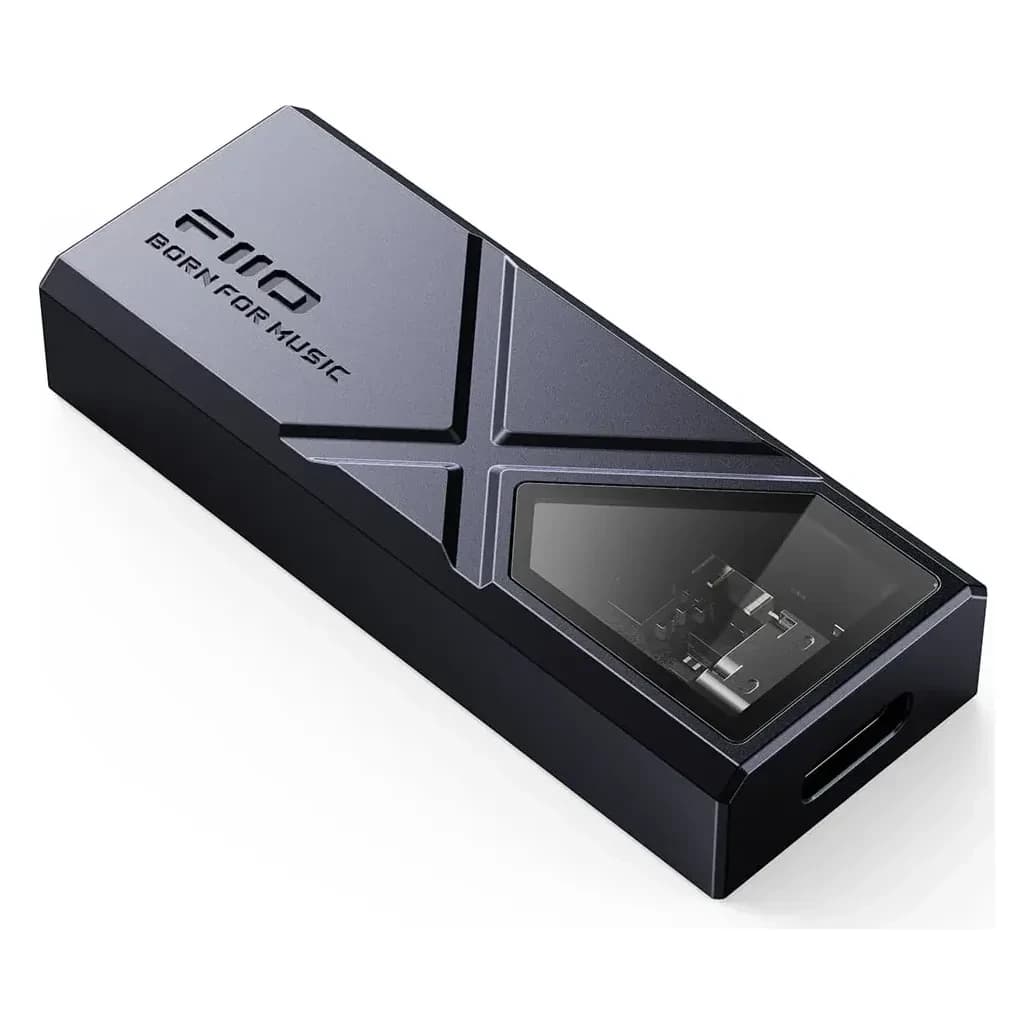
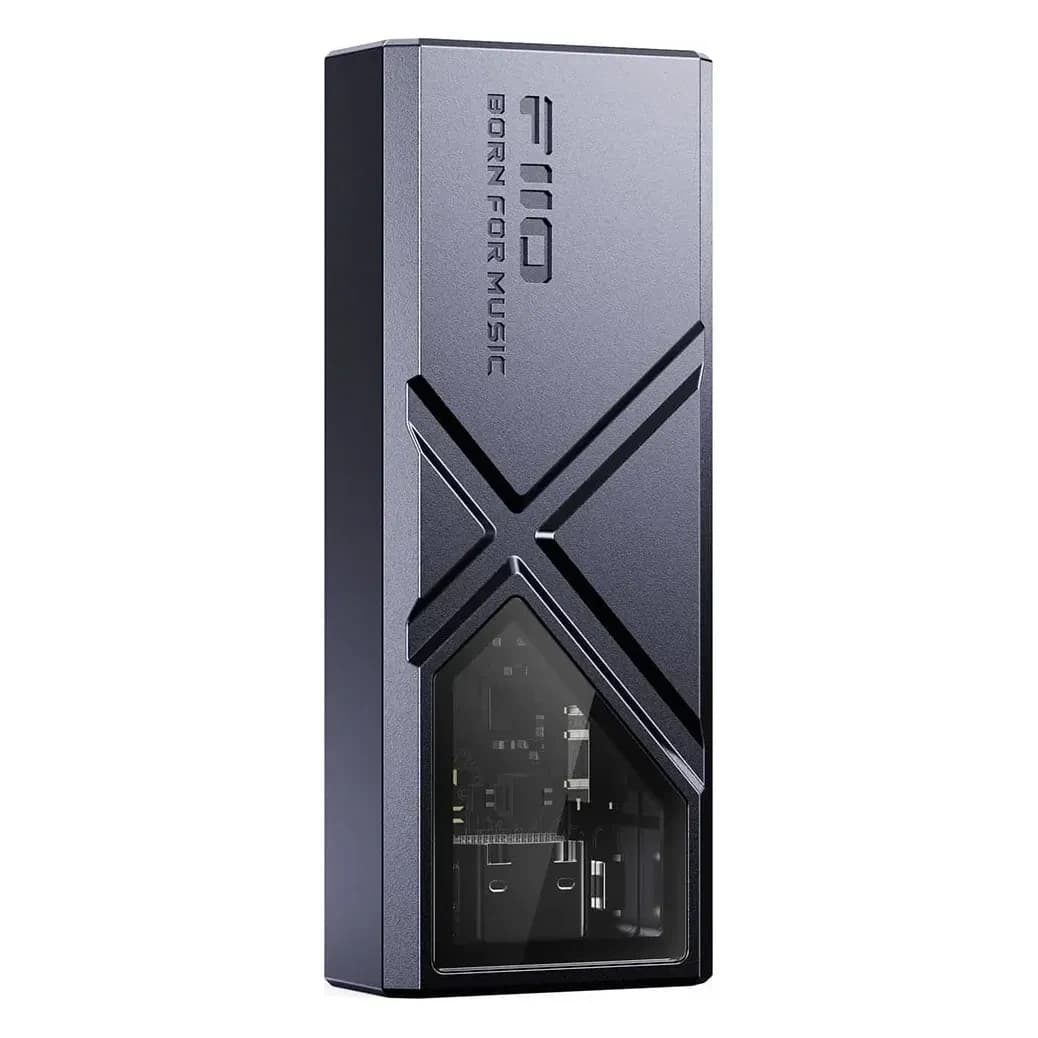
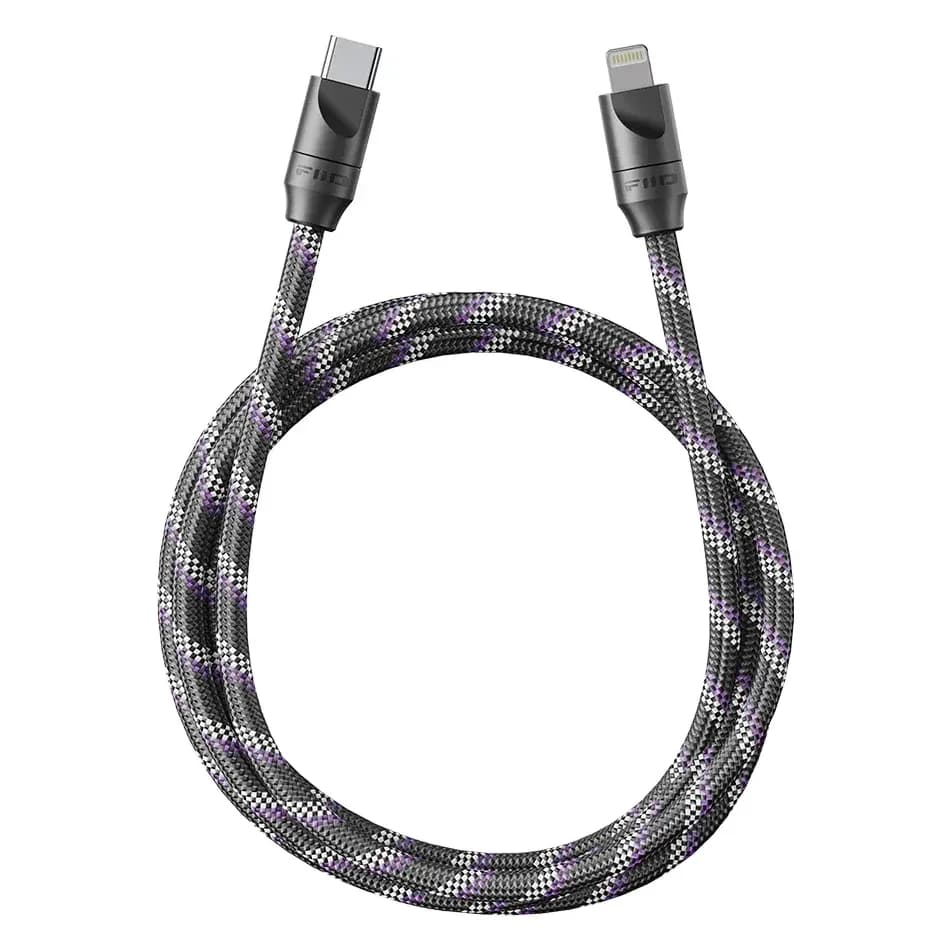
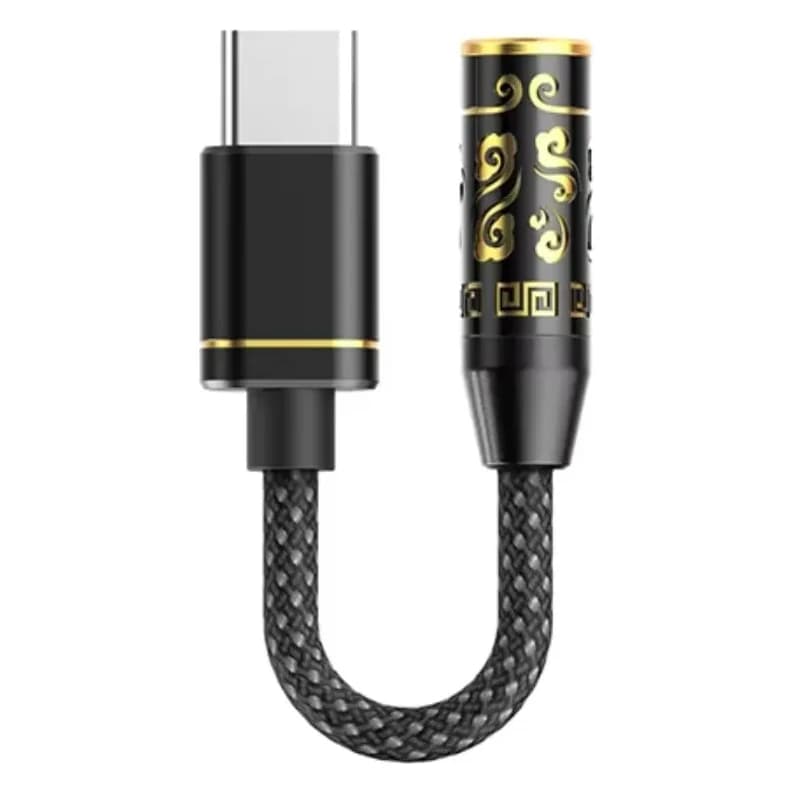
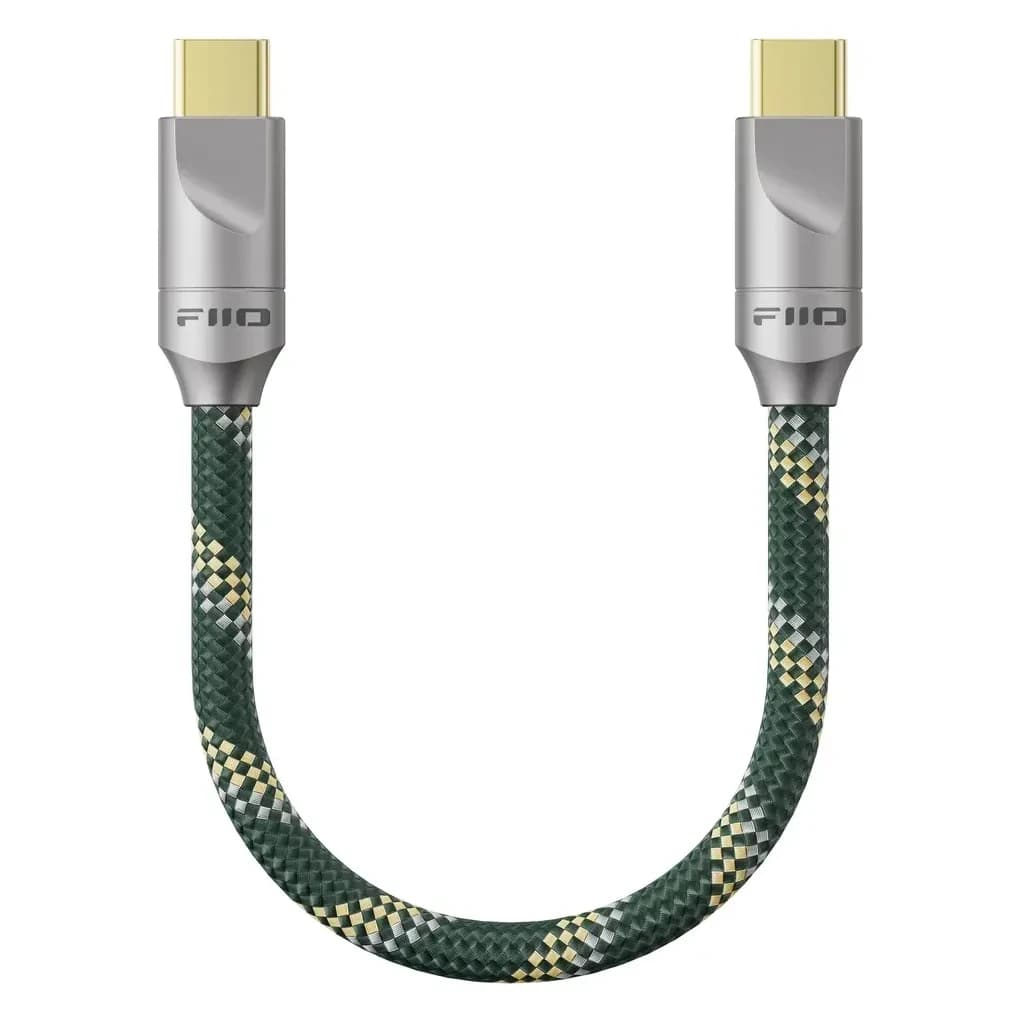
- Lightning or USB-C: the iPhone 15 and later have USB-C, so a USB-C dongle plugs straight in. Older iPhones up to the 14 and the SE have Lightning. For those you need a USB-C to Lightning cable, such as the FiiO LT-LT5, or a dongle that comes with a Lightning cable, such as the FiiO KA13.
- Power: Apple says iPhones with USB-C supply up to 4.5 W to an accessory. For Lightning, Apple gives no fixed figure. If your iPhone says an accessory needs too much power, set the dongle to a lower gain or switch off its desktop mode.
- Hi-Res: according to Apple you need an external DAC for anything above 48 kHz. With a dongle, Hi-Res Lossless does arrive; through the built-in route it doesn't.
- EQ: Apple Music has fixed EQ presets under Settings > Apps > Music > EQ. They only work in Apple Music. Headphone Accommodations, according to Apple, only works with Apple and Beats headphones, so not with IEMs on a dongle. For your own curve, use the EQ in a FiiO dongle or the equaliser in Spotify.
- Volume: you can set a maximum under Settings > Sounds & Haptics > Headphone Safety. More on that in our safe listening guide.
Quiet first
Turn the volume down before you plug in a dongle for the first time. A dongle often delivers more power than the headphone output you're used to, and sensitive IEMs quickly get too loud.
Android
On Android you plug a dongle into the USB-C port and the sound goes there straight away. On some brands, such as older OPPO and OnePlus phones, you first have to switch on OTG in the settings.
What fewer people know: Android mixes all sound from apps and notifications in one mixer. That mixer often converts everything to one fixed sample rate, usually 48 kHz, and handles volume digitally. For most people that's inaudible in practice. If you still want the file to reach your DAC unchanged (bit-perfect), there are two ways:
- Since Android 14, apps can ask for a bit-perfect USB mode. It only works if both your phone and your app support it, and that is far from everywhere yet. Look in your app's settings for an option like USB exclusive or bit-perfect.
- Apps with their own USB driver, such as USB Audio Player Pro (UAPP, paid), bypass the Android mixer and send straight to your dongle. UAPP can play Tidal and Qobuz itself.
Careful with bit-perfect
In a bit-perfect mode, Android no longer controls the volume. Your phone's volume buttons may do nothing, or the music may start at full volume. Turn the dongle or app volume down first.
Many phones have their own sound effects, such as Dolby Atmos on Samsung. They work on a dongle too. If you like them, keep them on. When you compare IEMs or settings, switch them off for a moment. For an equaliser across all apps there's Wavelet; see our EQ guide.
The Bluetooth settings live in the developer options. You unlock them by tapping the build number seven times under Settings > About phone. There you'll find, among others:
- Bluetooth audio codec: which codec is in use right now, and you can pick one if your headphones or receiver support several.
- LDAC playback quality: the default adapts the bitrate to the connection. The top setting of 990 kbps sounds best but drops out sooner in busy places such as a station.
- Disable absolute volume: normally phone and headphones share one volume. With this on, each has its own. Handy when even the lowest step is too loud on your Bluetooth receiver.
Names differ a little per brand and Android version. Some phones reset the codec after reconnecting.
Bluetooth: the codec is the ceiling
If your app streams lossless and you listen over Bluetooth, the music gets repacked on the way with the connection's codec. So you never hear more than SBC, AAC, aptX or LDAC lets through. Our wireless guide explains which codec does what.
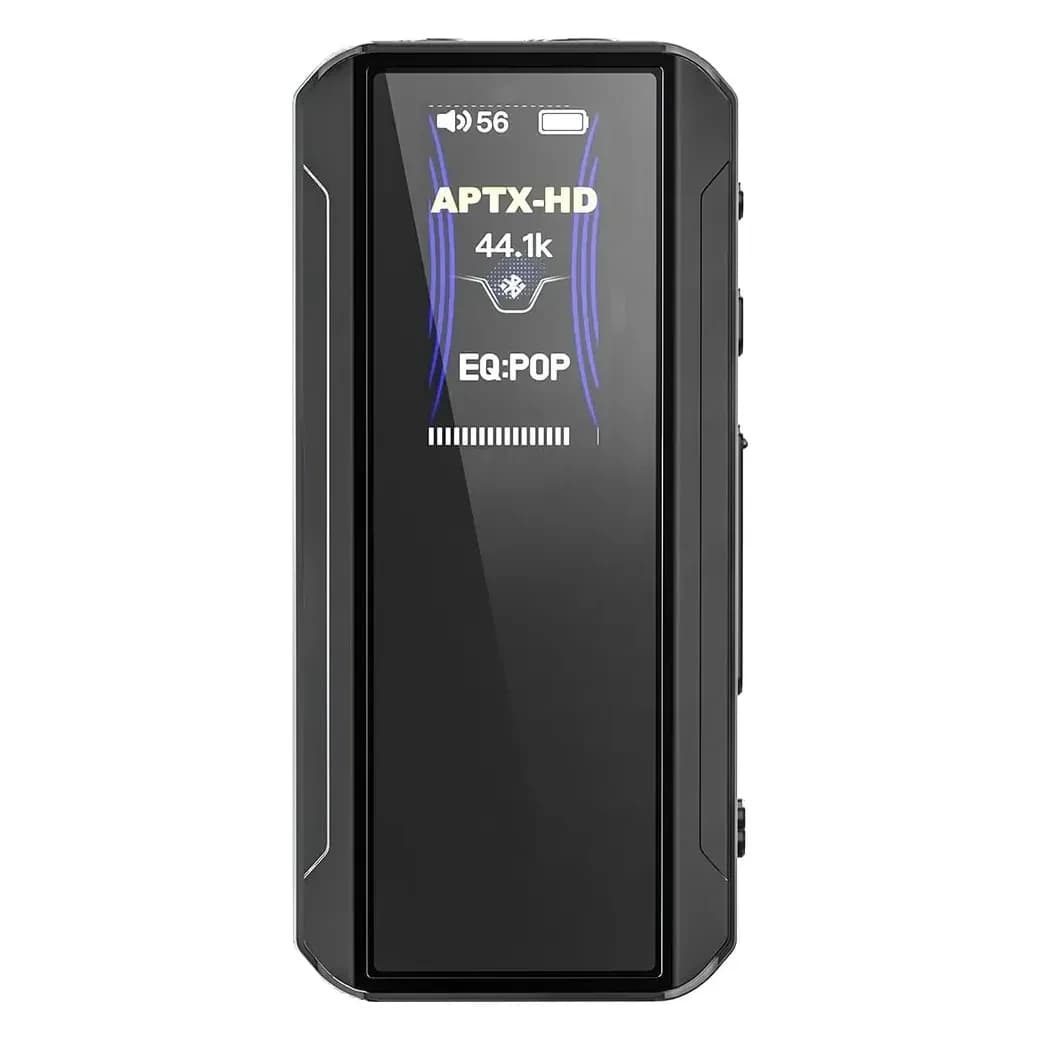
One exception is aptX Lossless: it can pass CD quality when both ends support it and the connection is strong enough. Most phones don't send it themselves, but a USB-C transmitter such as the FiiO Air Link or iFi UP Play Max does.
If you want to be sure you hear the full quality, use a cable and a dongle. Wireless is lovely on the go; at home in your chair, pick the cable.
Offline: downloading at full quality
- Set the download quality separately. In most apps that's its own switch, apart from streaming.
- If you change the download quality in Tidal, it only applies to new downloads. What you already had needs to be removed and downloaded again.
- Lossless takes a lot of space. With Tidal's figure of up to 40 MB per minute for Max, an hour-long album takes about 2.4 GB. Check how much space your phone has left before you go.
- Download at home over Wi-Fi. Then you don't need to stream on the way, and you can just listen on a plane or on a train without signal.
Saving battery with a dongle
A dongle has no battery of its own: it draws its power from your phone. These habits keep the drain low.
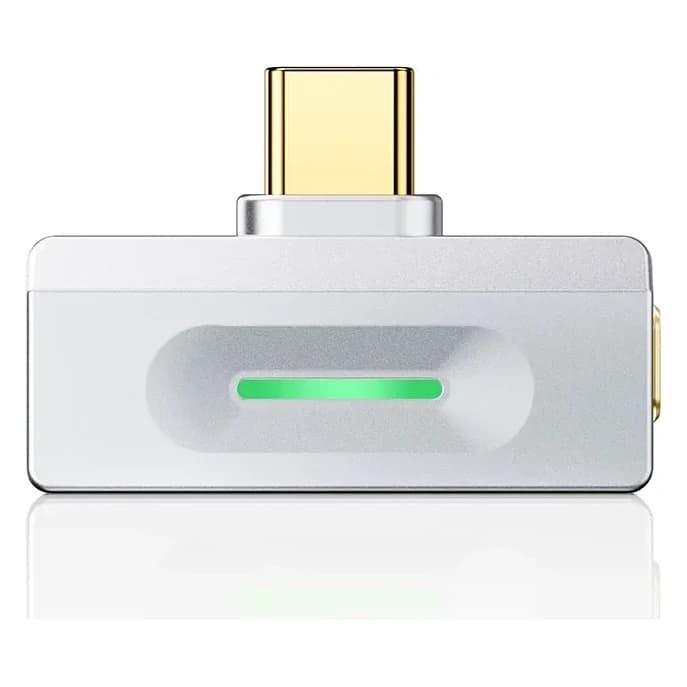
- Use the lowest gain that's loud enough. On the FiiO KA13, switch desktop mode off on your phone; that mode is meant for sources with more power.
- Listen to downloads instead of streaming over mobile data. Your phone then doesn't have to keep receiving data.
- Unplug the dongle when you're not listening. A connected dongle can draw power even when nothing is playing.
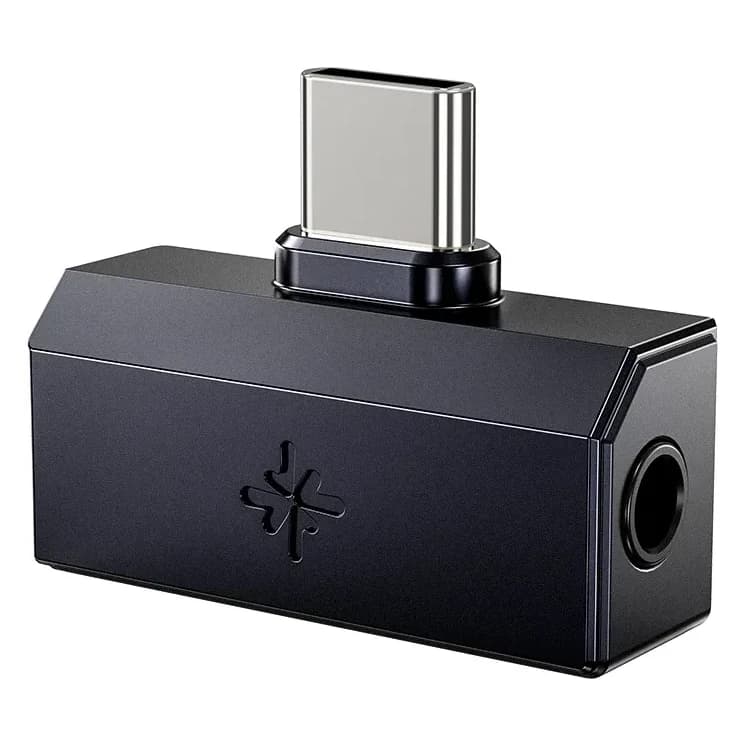
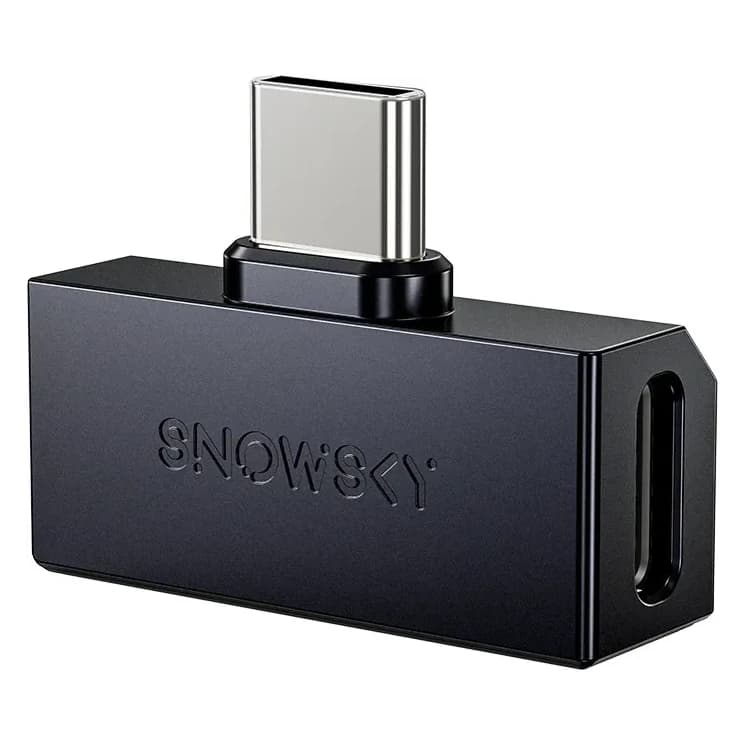
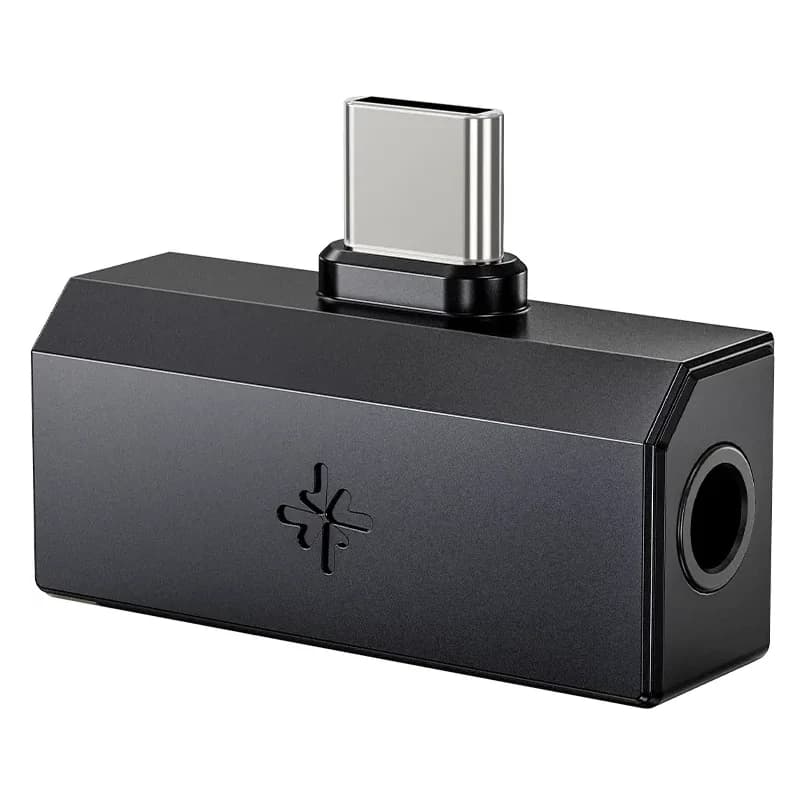
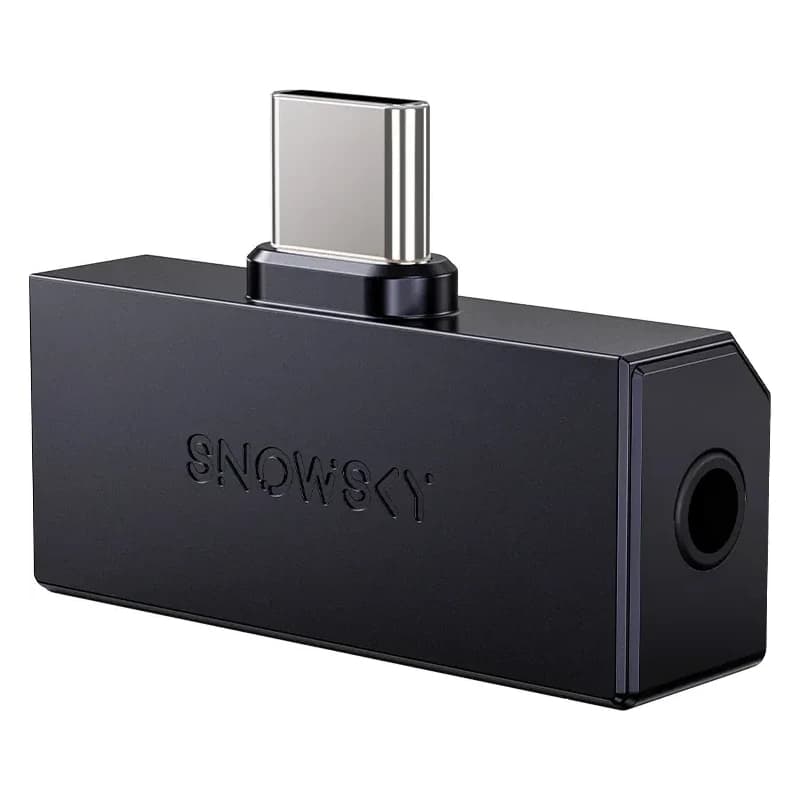
- Want to charge while you listen? Get the FiiO SnowSky Tiny A, with an extra USB-C port for a charger.
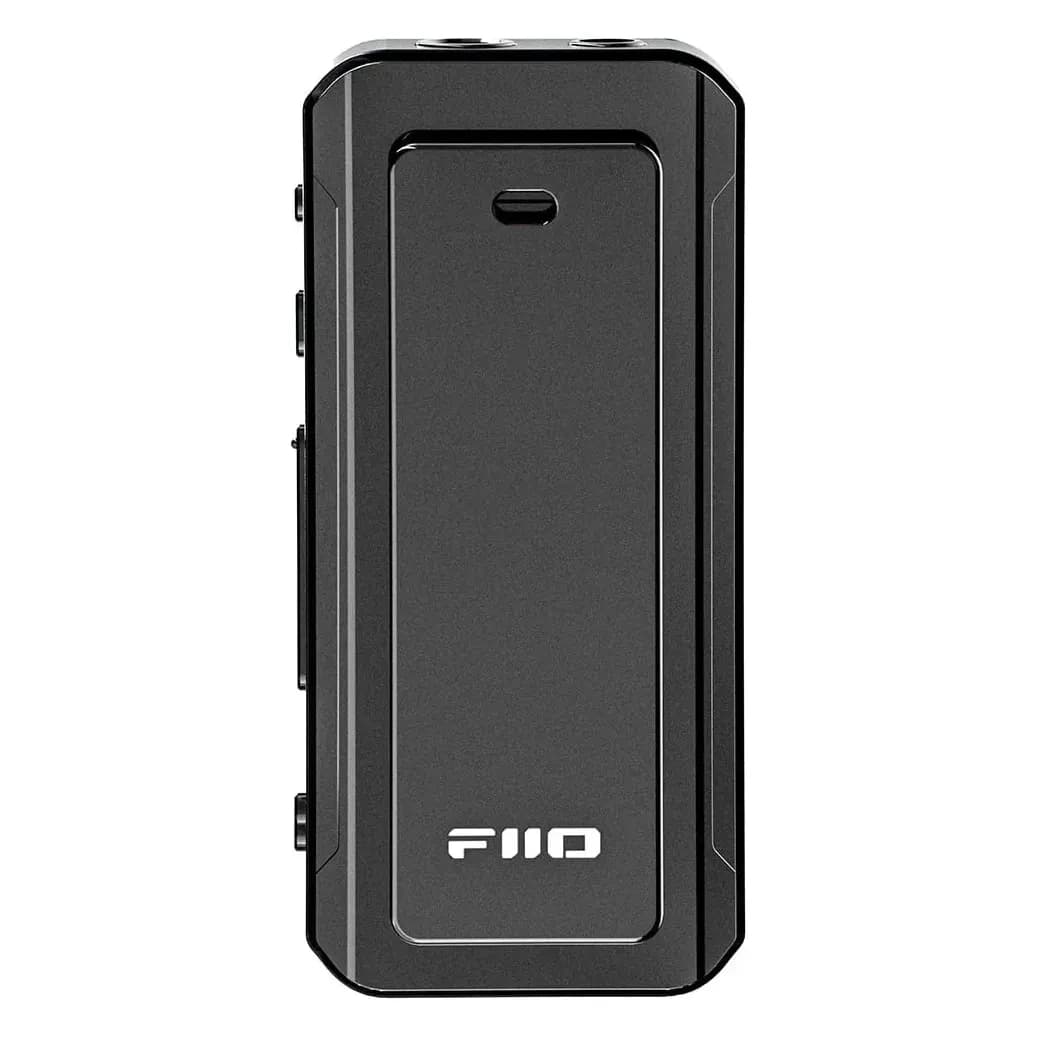
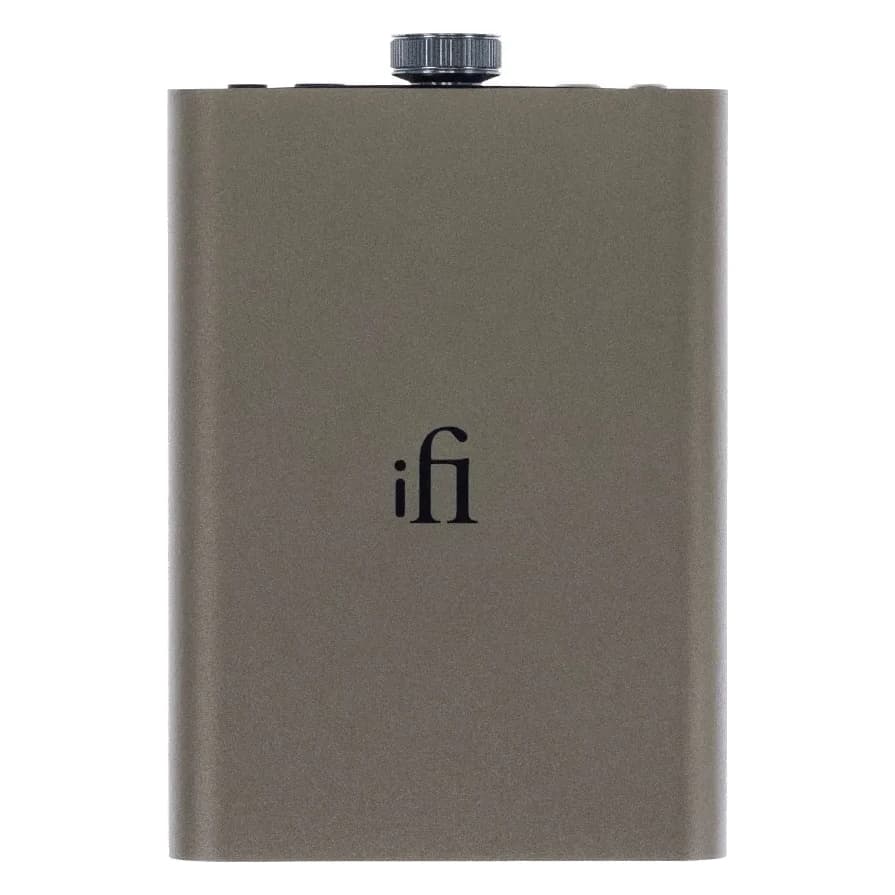
- Listening for hours on end? Choose something with its own battery: the FiiO BTR13 also works as a USB dongle on its own battery (about 8 hours), and the iFi hip-dac3 lasts 8 to 12 hours.
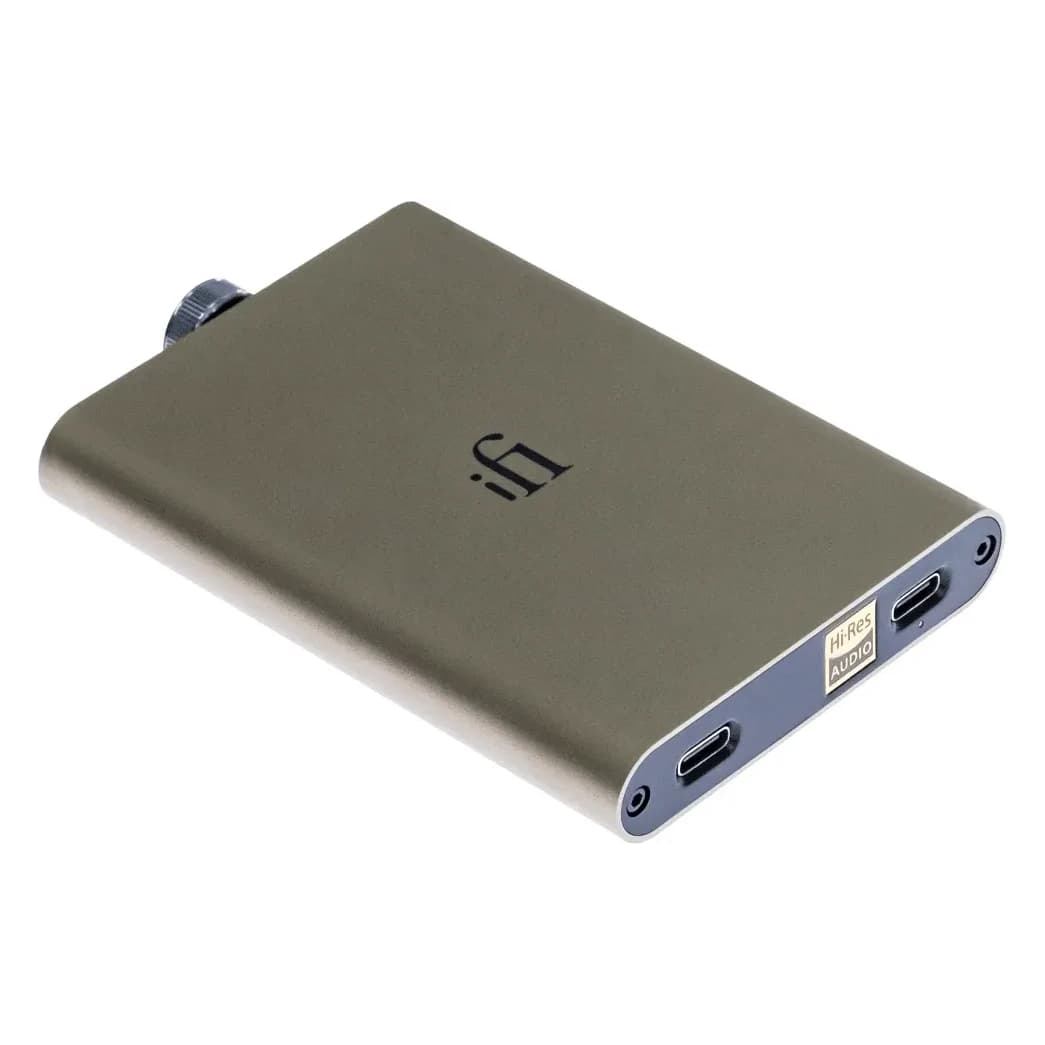
Products in this guide

Read next
- 10 min readGaming with IEMs and headphonesWhy IEMs and headphones help you hear where sounds come from, why Bluetooth is too late for fast games, and how to connect to PC, PS5, Xbox, Switch, Switch 2 and Steam Deck. Plus microphones and EQ.
- 6 min readDo you need a DAC or amplifier?When a separate DAC or amplifier makes a real difference, and when your phone or laptop is already enough.
- 7 min readUSB-C dongle DACs compared: which one suits you?Every USB-C dongle we sell side by side: outputs, EQ, power and price. Plus when a portable DAC/amp is worth it.