By Rejhan Kavazbasic · 10 min read · Updated 5 November 2026
Gaming with IEMs and headphones
Why IEMs and headphones help you hear where sounds come from, why Bluetooth is too late for fast games, and how to connect to PC, PS5, Xbox, Switch, Switch 2 and Steam Deck. Plus microphones and EQ.
Why IEMs and headphones help
You hear where a sound comes from through small differences between your two ears: one ear hears it slightly earlier and slightly louder, and your outer ear colours sound from behind differently from sound in front. Many games recreate that in a special headphone mix. With IEMs or headphones each ear gets exactly its own signal. With speakers in a room, left and right blend together and some of those cues get lost.
Footsteps, a weapon being reloaded, a door opening: these are small, short sounds with a lot of their information in the midrange and treble. An IEM with a lot of extra bass can bury them under explosions and music. An IEM that stays close to the target leaves them more room.
- EDX Pro
- Chu
Measured by Super* Review (IEC 711 clone), published on squig.link. Independent measurement, not by us. Measuring rigs differ slightly above 8 kHz.
IEMs also block the sound around you. You hear less of your PC fan or the TV in the next room, so you can play at a lower volume. That's nicer after an evening of gaming, and better for your ears.
Open or closed? Open-back headphones sound airier and wider, but let sound in and out. Closed-back headphones and IEMs keep it out. The direction of a sound mostly comes from the game, and both types handle that. Choose by where you play: on your own in a quiet room, open-back is lovely; with housemates or a partner next to you, go closed.
One layer of 3D, not two
In the game's audio settings, choose the headphone mix, not the one for TV or speakers. If the game has its own 3D or headphone mode, switch off the spatial audio of your PC or console. Two layers of 3D processing on top of each other make directions vaguer, not sharper.
Delay: why a cable wins
- Wired (3.5 mm or USB)practically none
- aptX Low Latency, when sender and receiver both support itabout 40 ms
- Ordinary Bluetooth (SBC, AAC)100 to 300 ms
milliseconds
1 frame at 60 fps (16.7 ms)
aptX Low Latency as stated by Qualcomm. Ordinary Bluetooth varies per phone, console and receiver.
With a film, the video player holds back the picture a little so sound and picture stay in sync. A game can't do that: the sound depends on what you do at that moment. With ordinary Bluetooth, a shot, a footstep or a beat arrives 100 to 300 milliseconds late. At 60 frames per second that's six to eighteen frames.
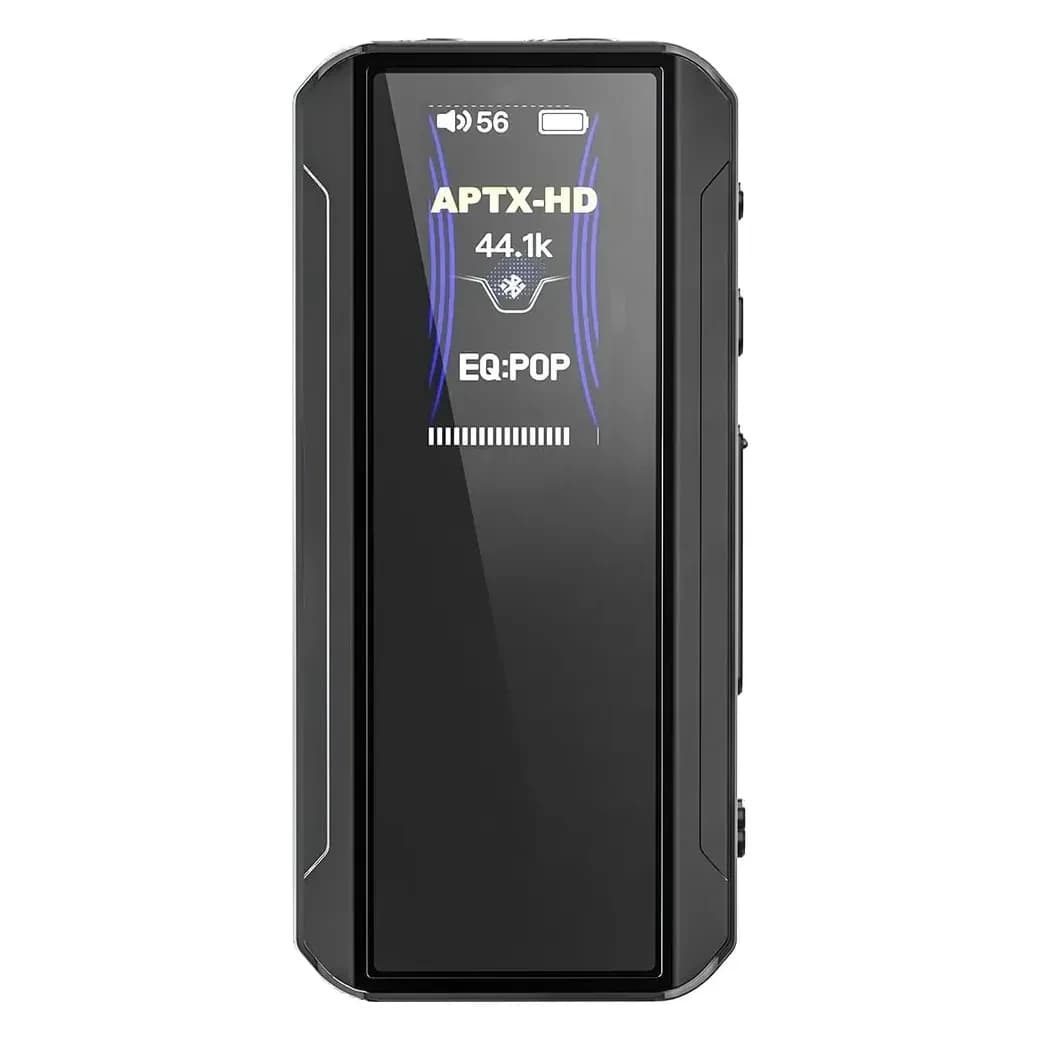
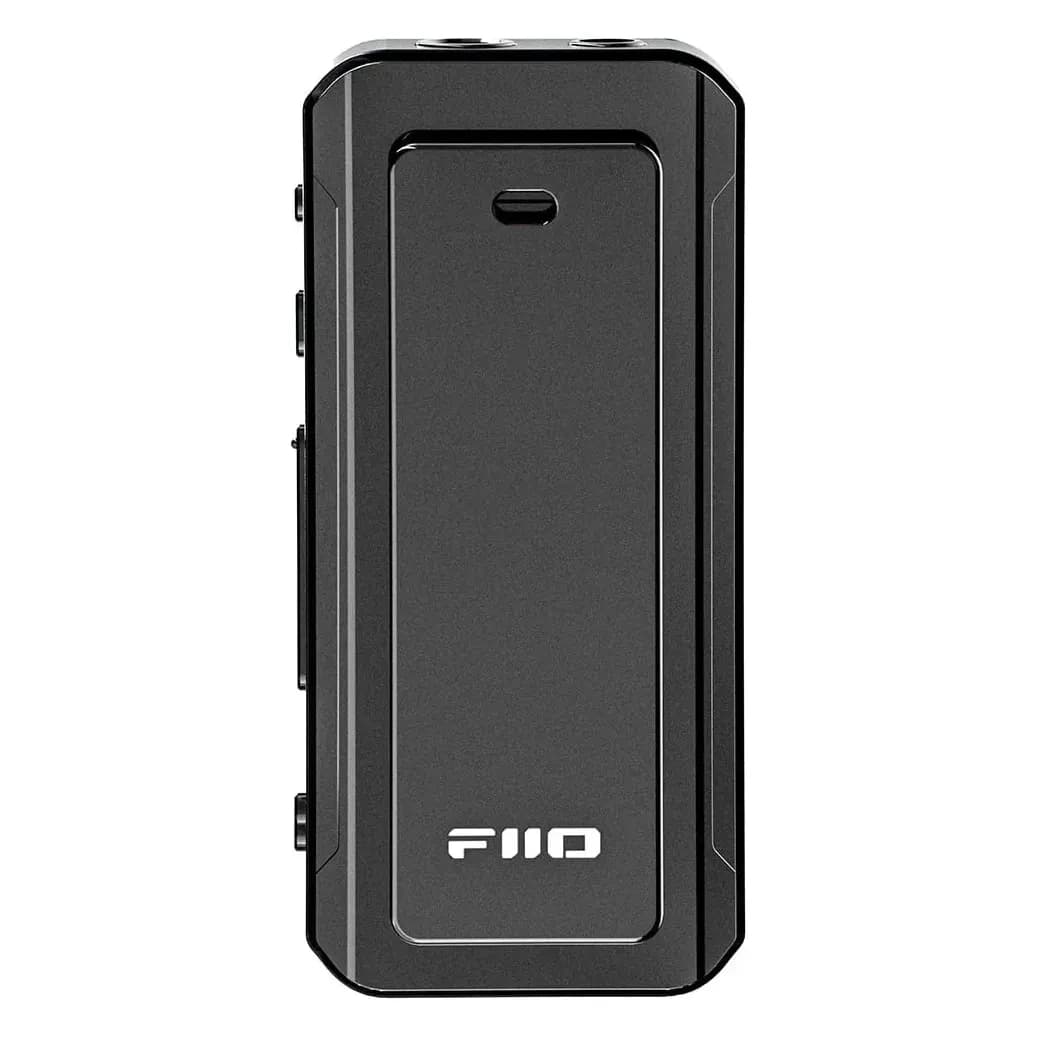
According to Qualcomm, aptX Low Latency brings that down to about 40 ms, but only if both the sender and the receiver support it. A USB-C transmitter like the iFi UP Play or FiiO Air Link sends aptX Low Latency, and the FiiO BTR13 receives it. For relaxed games that's fine. For shooters and rhythm games, a cable remains the better choice.
Consoles add another twist: the PS5 and Xbox don't send sound to Bluetooth headphones at all. The Switch and Switch 2 do, but only with the most basic codec. Wireless gaming headsets with their own USB receiver are a different story; we don't sell those.
Connecting, platform by platform
PC and laptop
- 3.5 mm
- YesLaptop: one socket for headphones and mic. Desktop: green and pink apart.
- USB
- YesAlmost any USB dongle works.
- Bluetooth
- LimitedWorks, but with delay.
PlayStation 5
- 3.5 mm
- YesIn the DualSense controller, with mic.
- USB
- LimitedUSB headsets and dongles in UAC 1.0 mode.
- Bluetooth
- NoNo Bluetooth headphones.
Xbox Series X|S
- 3.5 mm
- YesOn the bottom of the controller, with mic.
- USB
- NoOnly licensed Xbox headsets, no dongles.
- Bluetooth
- NoNo Bluetooth audio.
Nintendo Switch
- 3.5 mm
- YesOn top of the console.
- USB
- LimitedUSB headsets and UAC 1.0 dongles, via dock or USB-C.
- Bluetooth
- LimitedSBC only, no mic.
Nintendo Switch 2
- 3.5 mm
- YesOn top of the console, 4-pole with mic.
- USB
- LimitedUSB headsets via USB-C or the dock.
- Bluetooth
- LimitedSound yes, Bluetooth mic no.
Steam Deck
- 3.5 mm
- YesOn top of the Deck, with mic.
- USB
- YesDongles work, but the port is also the charger.
- Bluetooth
- LimitedWorks, but with delay.
- PC and laptop: everything works here. Any USB-C dongle is recognised without a driver. A laptop usually has one 3.5 mm socket for headphones and microphone together. A desktop often has a green output and a pink mic input; for that you need a splitter (see microphones below). Windows has the free Windows Sonic for Headphones, found under spatial audio in the properties of your sound device.
- PlayStation 5: plug your IEMs into the 3.5 mm jack on the bottom of the DualSense controller. A 4-pole plug with a microphone also works for voice chat. The PS5 has its own 3D audio for headphones, which you switch on under Settings > Sound > Audio Output. A USB dongle only works in UAC 1.0 mode, see below.
- Xbox Series X|S: here too the 3.5 mm jack is on the bottom of the controller, and a headset with a mic works. Beyond that the Xbox is strict: no Bluetooth audio, and over USB only licensed Xbox headsets. A USB dongle isn't recognised. Windows Sonic for Headphones is free and sits in the headset settings under Settings > General > Volume & audio output.
- Nintendo Switch, OLED and Lite: the 3.5 mm jack is on top of the console. Bluetooth audio has been possible since an update in 2021, but only over SBC, without a microphone and with at most two wireless controllers at once. USB headsets and dongles in UAC 1.0 mode work through the dock or the USB-C port.
- Nintendo Switch 2: according to Nintendo, the jack on top of the console takes a 4-pole plug (CTIA), so a headset with a mic works for GameChat. USB headsets can go into the console's USB-C port or the dock. Bluetooth headphones play sound, but the mic of a Bluetooth headset doesn't work. You choose the input under System Settings > Audio > Audio Input.
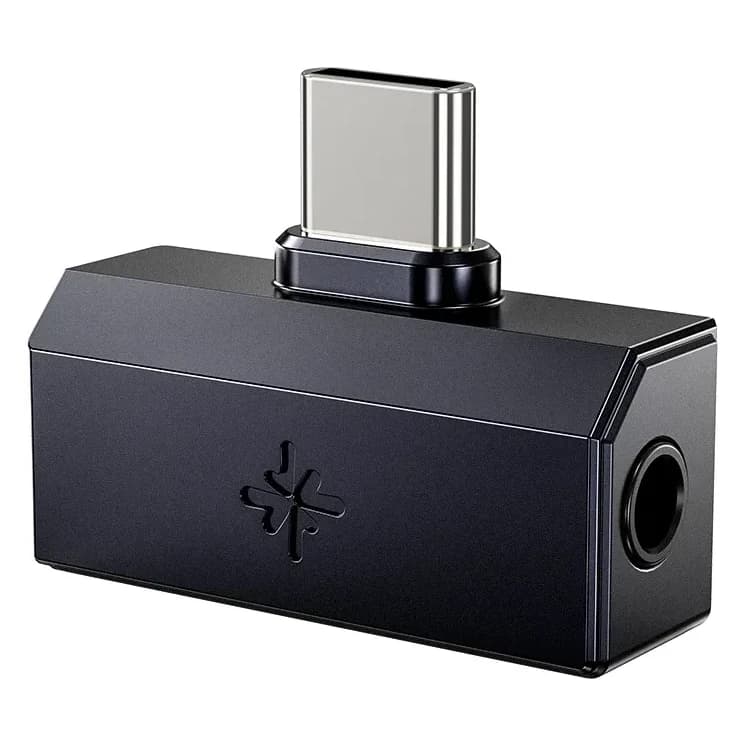
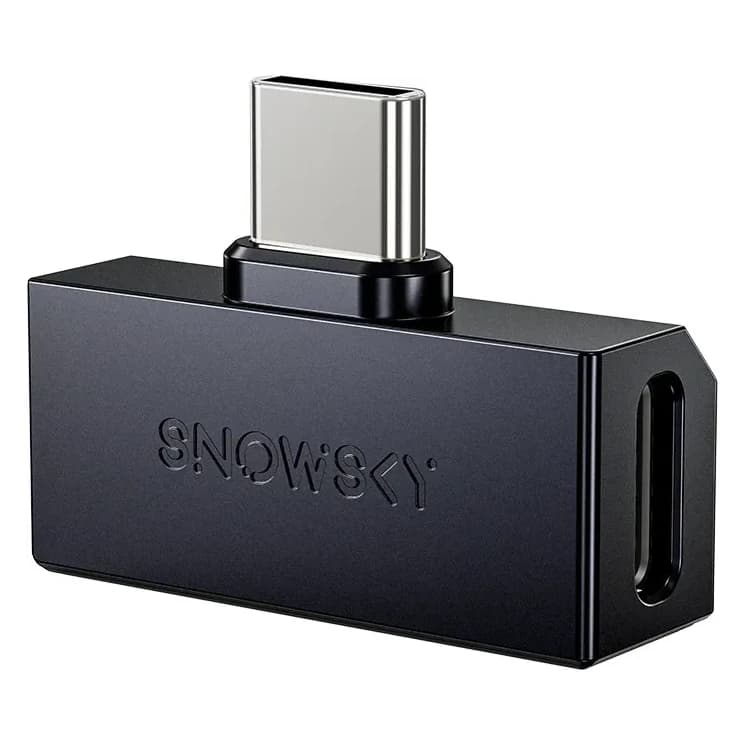
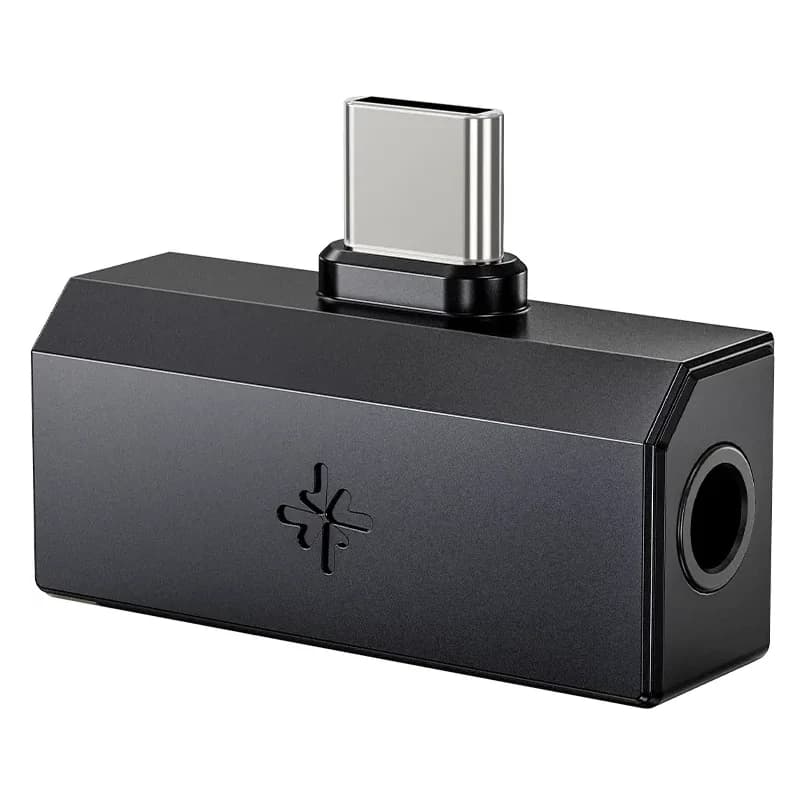
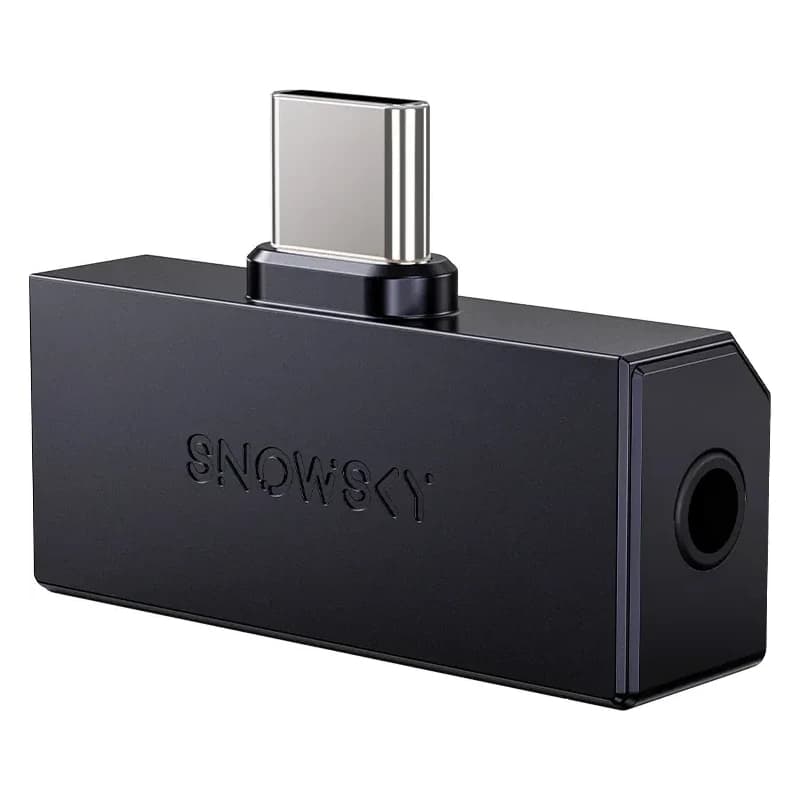
- Steam Deck: on top of the Deck is a headset jack with mic support. USB-C dongles work too, but the USB-C port is also the charging port. The FiiO SnowSky Tiny A has an extra USB-C input for a charger; FiiO lists up to 20 V at 2 A, less than the 45 W charger that comes with the Deck, so charging is slower that way.
A dongle on a PS5 or Switch has to be in the older USB Audio Class 1.0 mode, because those consoles don't know the newer 2.0 mode. FiiO confirms that the SnowSky Tiny A and Tiny B can do this: you first set them to UAC 1.0 in the FiiO Control app on your phone. The FiiO QX11 has its own game mode that, according to FiiO, works with PS5 and Switch. For the other dongles in our range we found no official confirmation, so we don't recommend them for consoles.
Start quiet
The jack in a controller is fine for IEMs and easy-to-drive headphones. If you use a dongle, turn the console or controller volume down first and only then turn it up. A dongle delivers more power than you might be used to.
Talking to your team: microphones
There are three ways to talk while wearing IEMs or headphones.
- A cable with a microphone. The grey KZ ZSN Pro has a cable with a mic, and so do the FiiO JT1, JT3, SnowSky Nature and SnowSky Wind headphones. The plug is 4-pole and fits straight into a controller, a Switch or a laptop. The FiiO FP3 TC has a USB-C cable with a mic for PC and phone.
- A dongle with a mic input. The FiiO JIEZI A and the 3.5 mm output of the iBasso DC04 Ultra pass on the mic in your cable. FiiO mentions voice chat while gaming for the SnowSky Tiny. In game mode the FiiO QX11 uses the mic in your cable, or its own built-in mic with noise reduction.
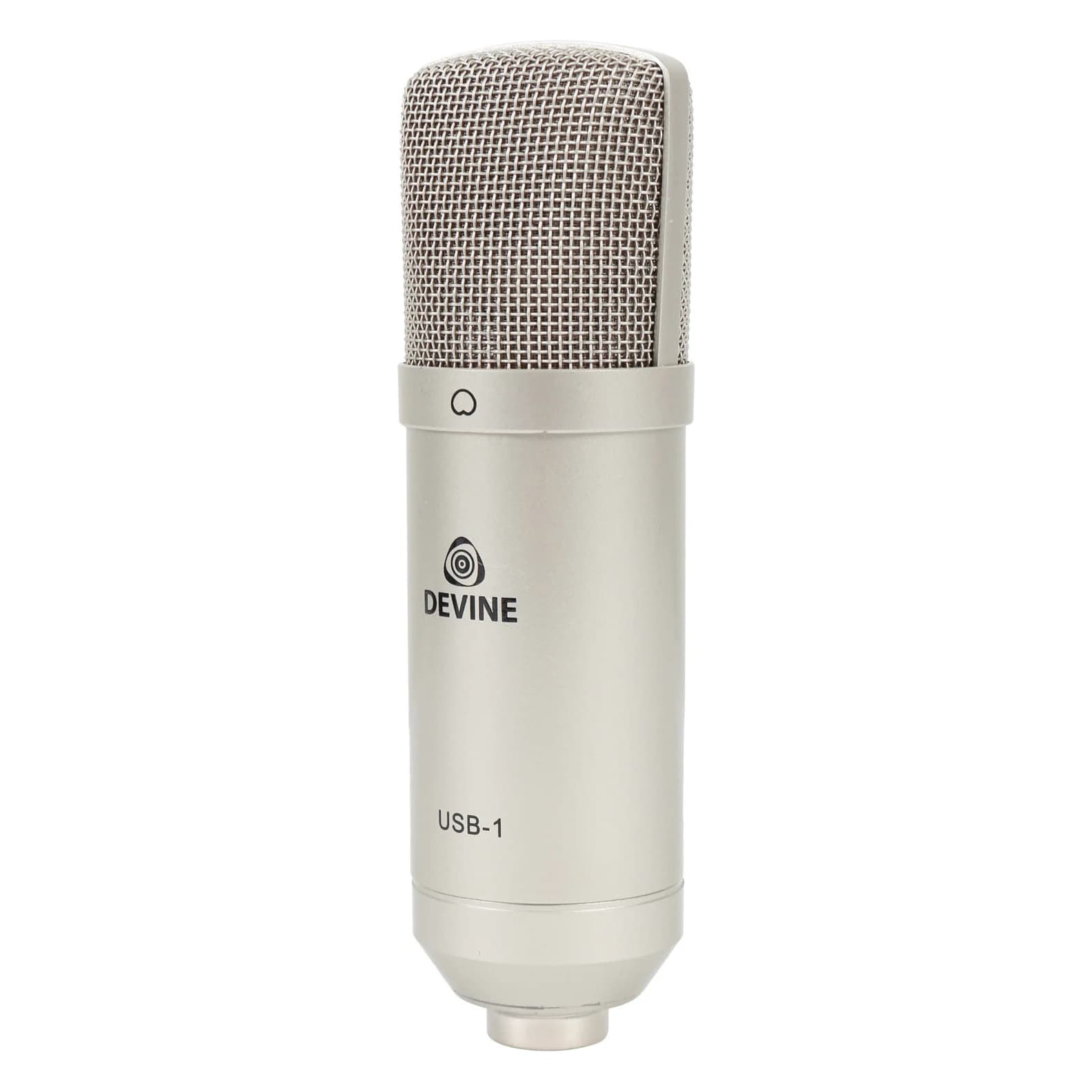
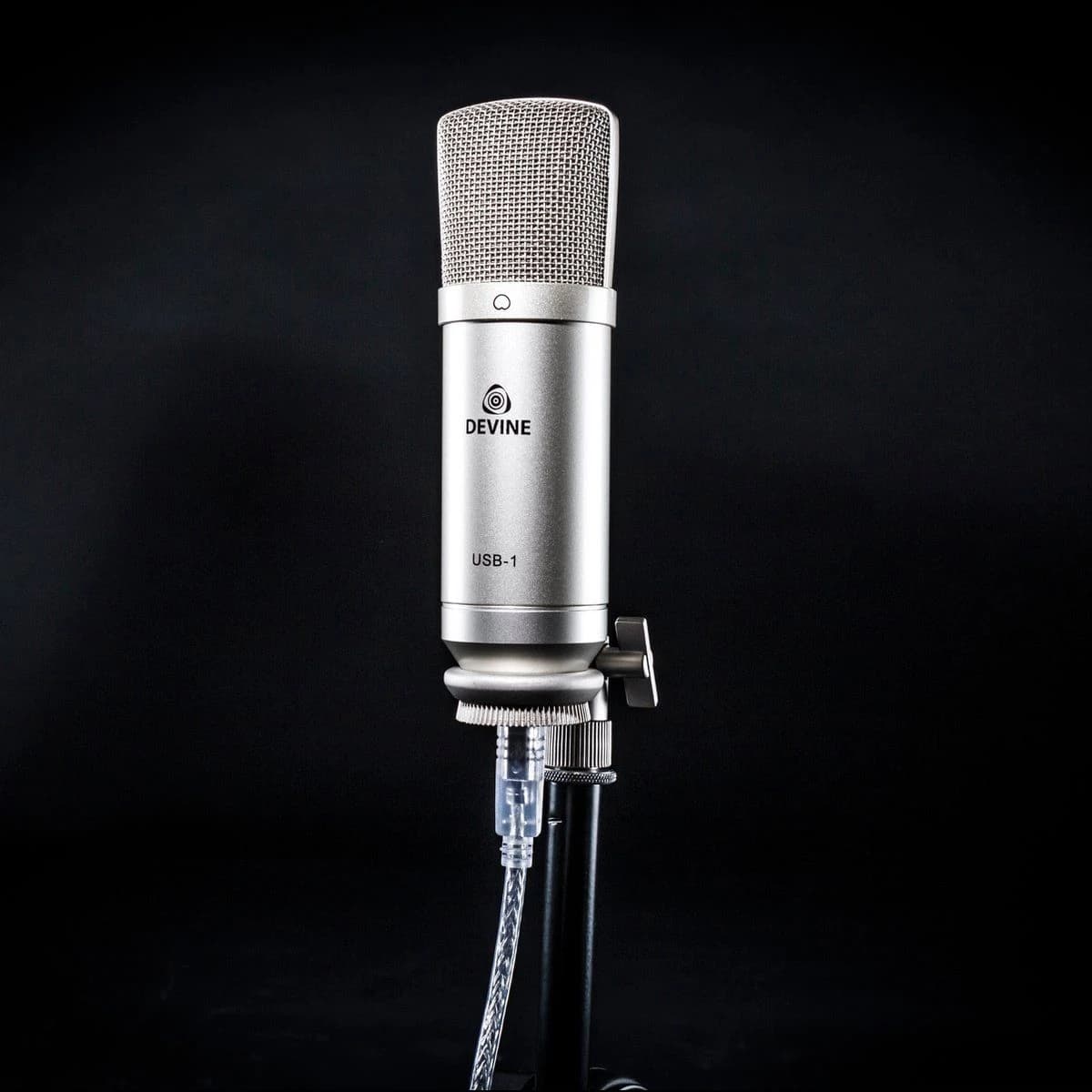
- A separate USB microphone on the PC. You plug the Devine USB-1 into a USB port and it works without drivers. It sits on your desk, so your voice sounds fuller and there's no cable rustle. If you want to stream or record, have a look at the Devine BM-400 with an audio interface in our home studio guide.
Got a desktop PC with separate green and pink sockets? Then you need a splitter from one 4-pole input to two 3-pole plugs. Or skip the sound card with a dongle or a USB microphone.
Your own voice
With IEMs in, your own voice sounds muffled because your ears are sealed. Without noticing, you start talking louder. If your platform or software offers mic monitoring (sometimes called sidetone), switch it on at a low level. Then you hear yourself normally again.
EQ for games
An equaliser works for games the same way it does for music. Our EQ for beginners guide explains how to start; here are the points that are different for gaming.
- On a PC, a system-wide EQ such as Equalizer APO works for every game.
- On a console you usually can't adjust the sound of your own IEMs with an equaliser. Dongles that store their EQ in the dongle itself take that setting along to the console. Set it up on your phone or computer, then check on the console that it's still active.
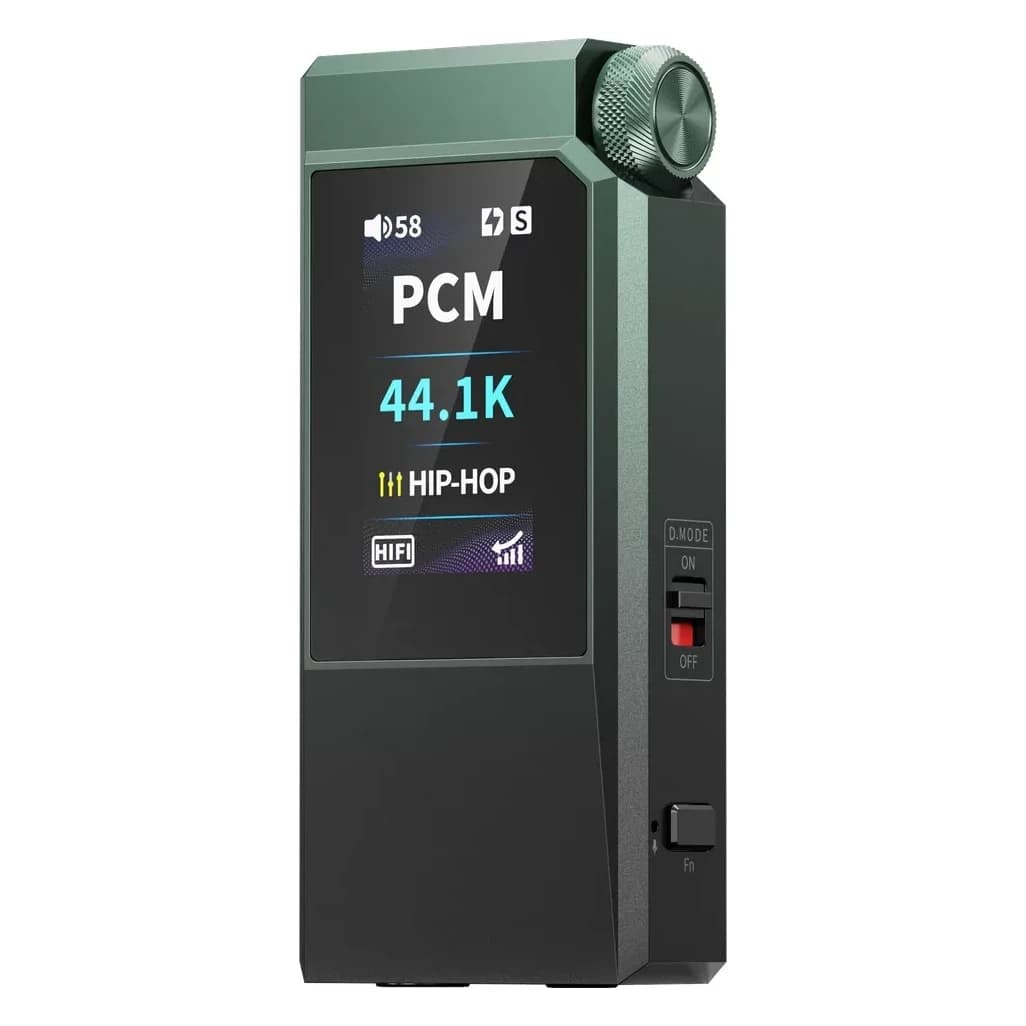
- In game mode the FiiO QX11 has fixed sound profiles for shooters, action games, MOBAs and rhythm games, among others.
A good starting point: if footsteps drown in explosions, lower the deep bass below about 150 Hz by a few dB. Turning the treble up a lot sounds sharper and more detailed at first, but gets tiring after an hour. Small steps work better.
Many games also have a dynamic range setting or a night mode. It makes quiet sounds louder and loud sounds quieter. That can help with footsteps, but everything sounds flatter. Try both and keep what you like.
What suits you
- You play on a PS5, Xbox or Switch and want a simple start: an IEM with a mic cable, such as the grey KZ ZSN Pro, straight into the controller or console.
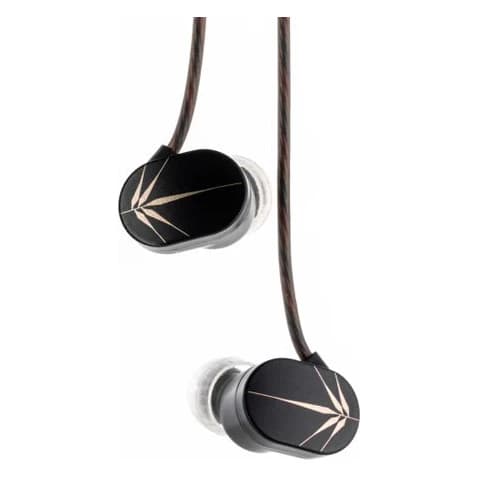
- You want calm, uncoloured IEMs where quiet sounds stay clear: the Moondrop Chu. For voice chat, add the FiiO QX11 with its built-in mic, or a USB microphone on the PC.
- You play on a Steam Deck or handheld and want to charge at the same time: the FiiO SnowSky Tiny A.
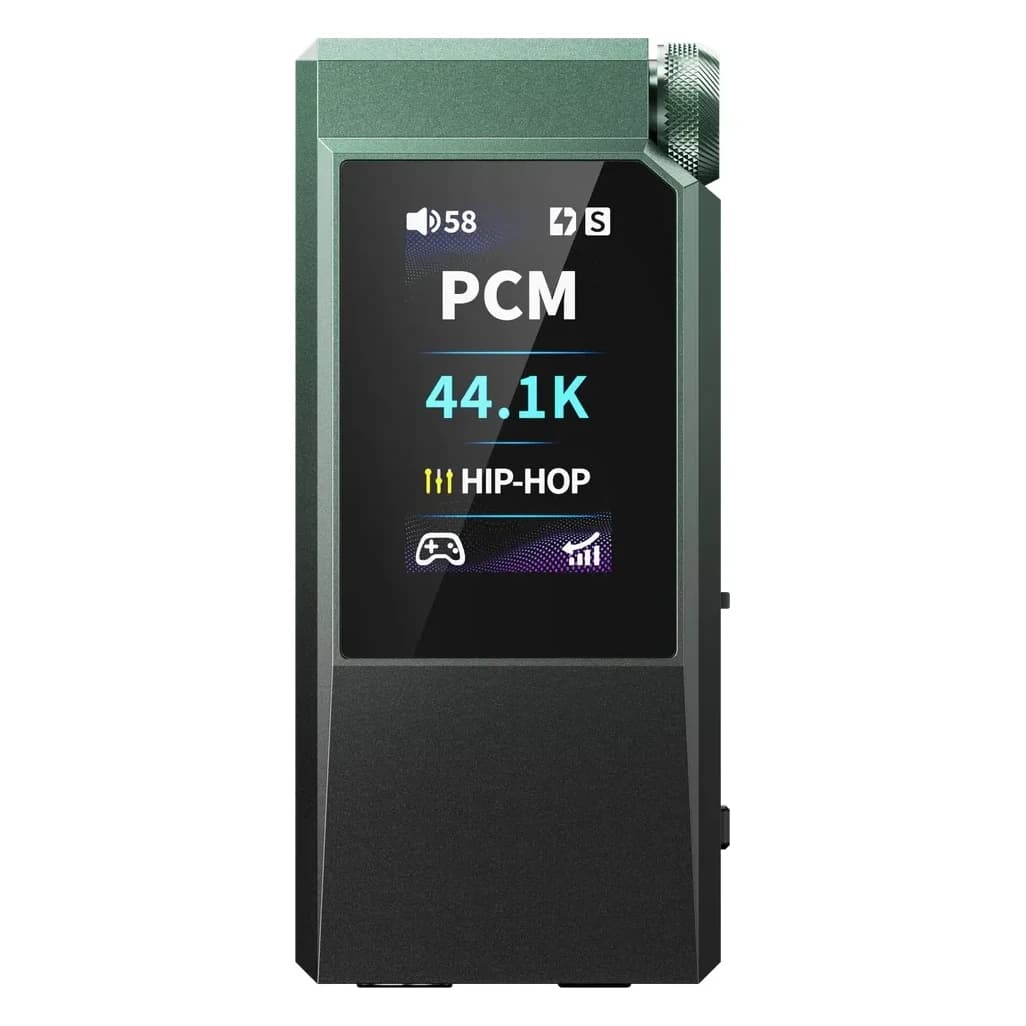
- You want one device for PC, PS5 and Switch, with a mic and game profiles: the FiiO QX11.
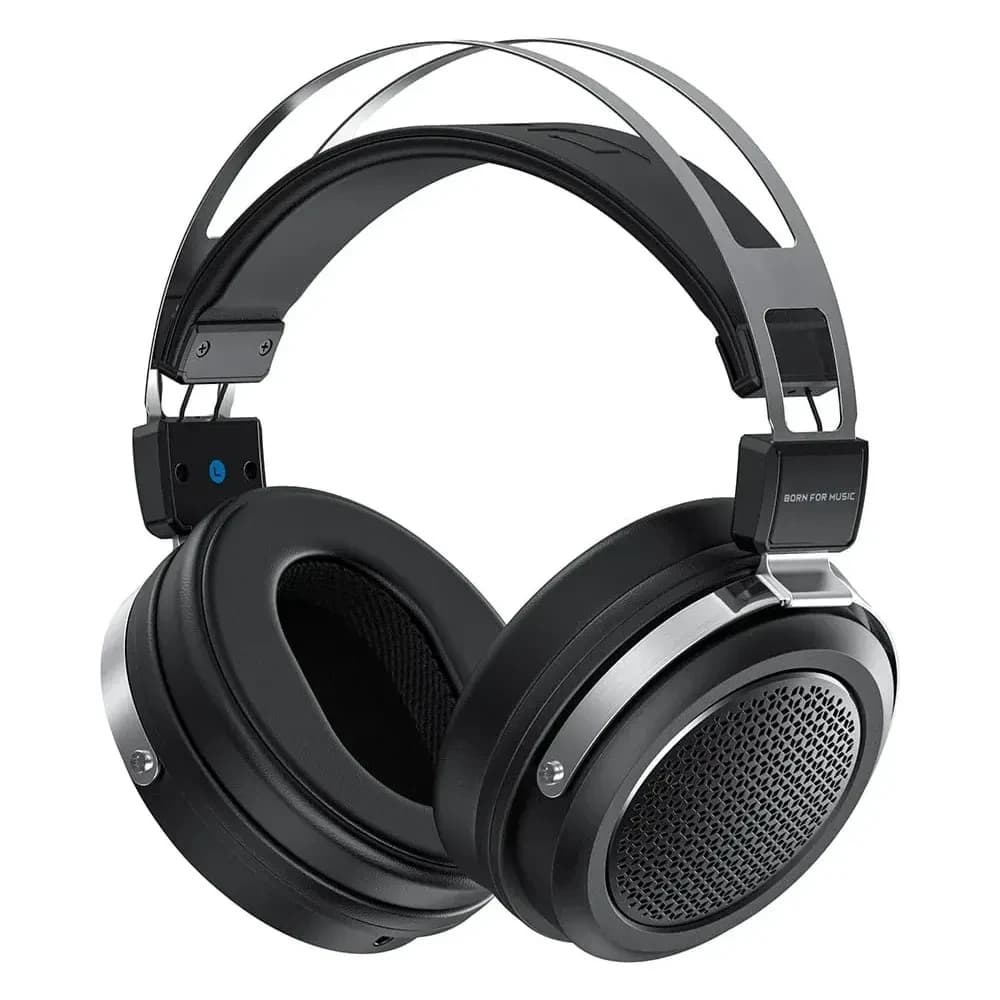
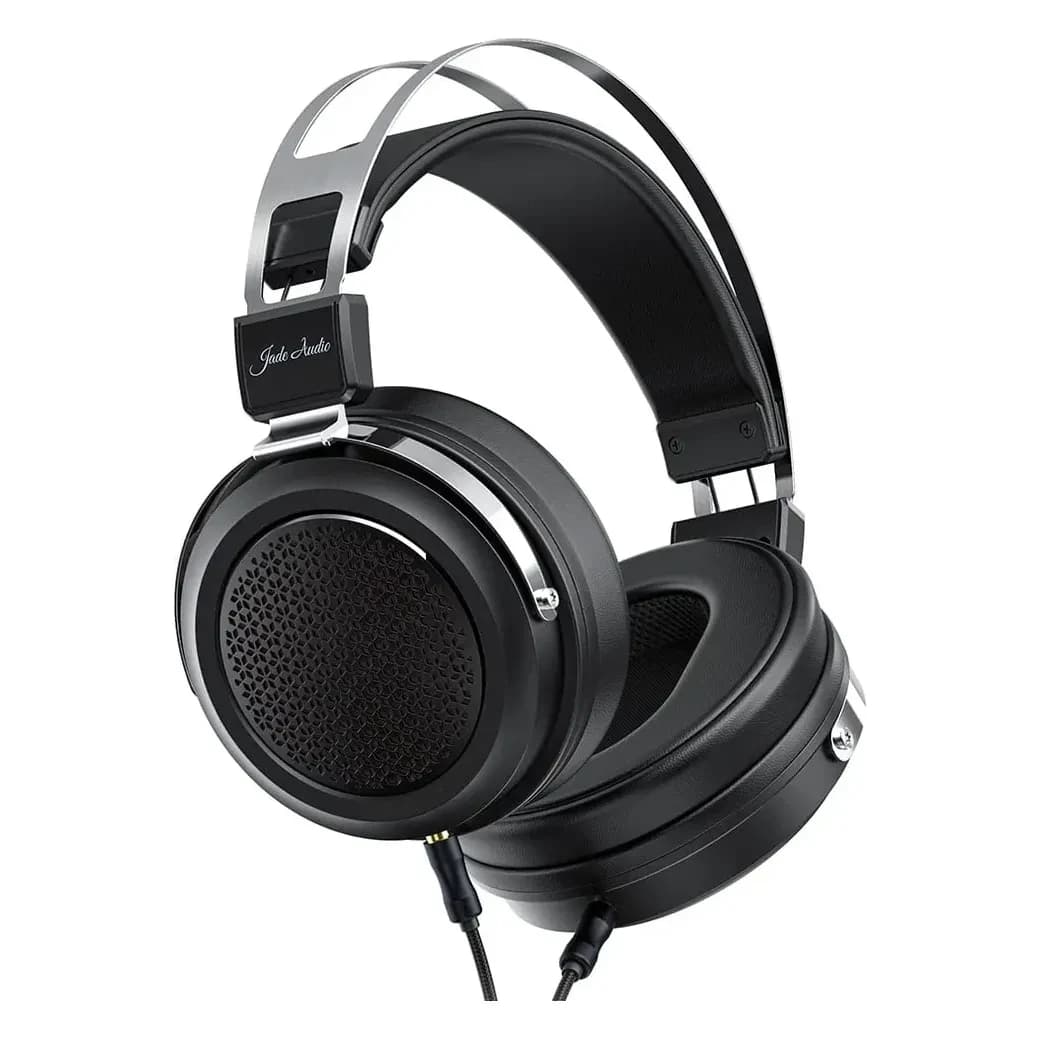
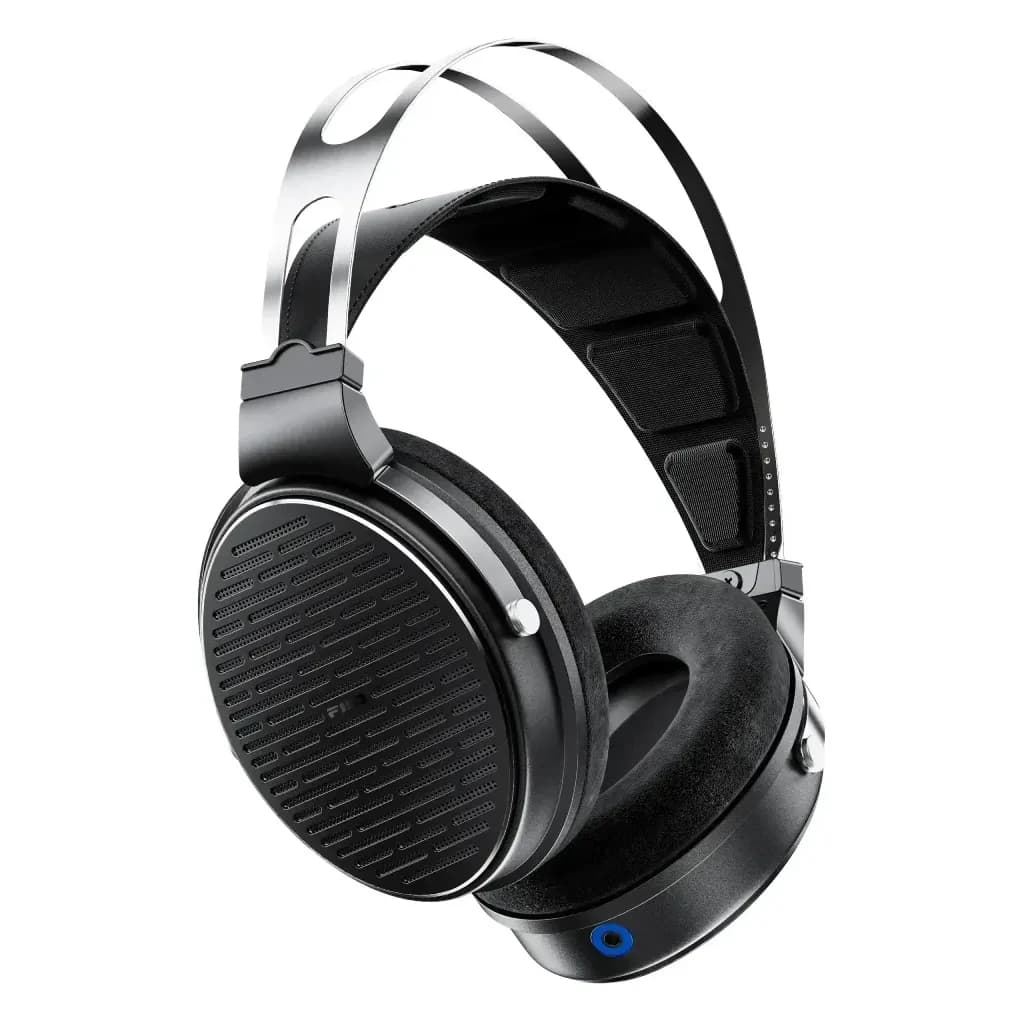
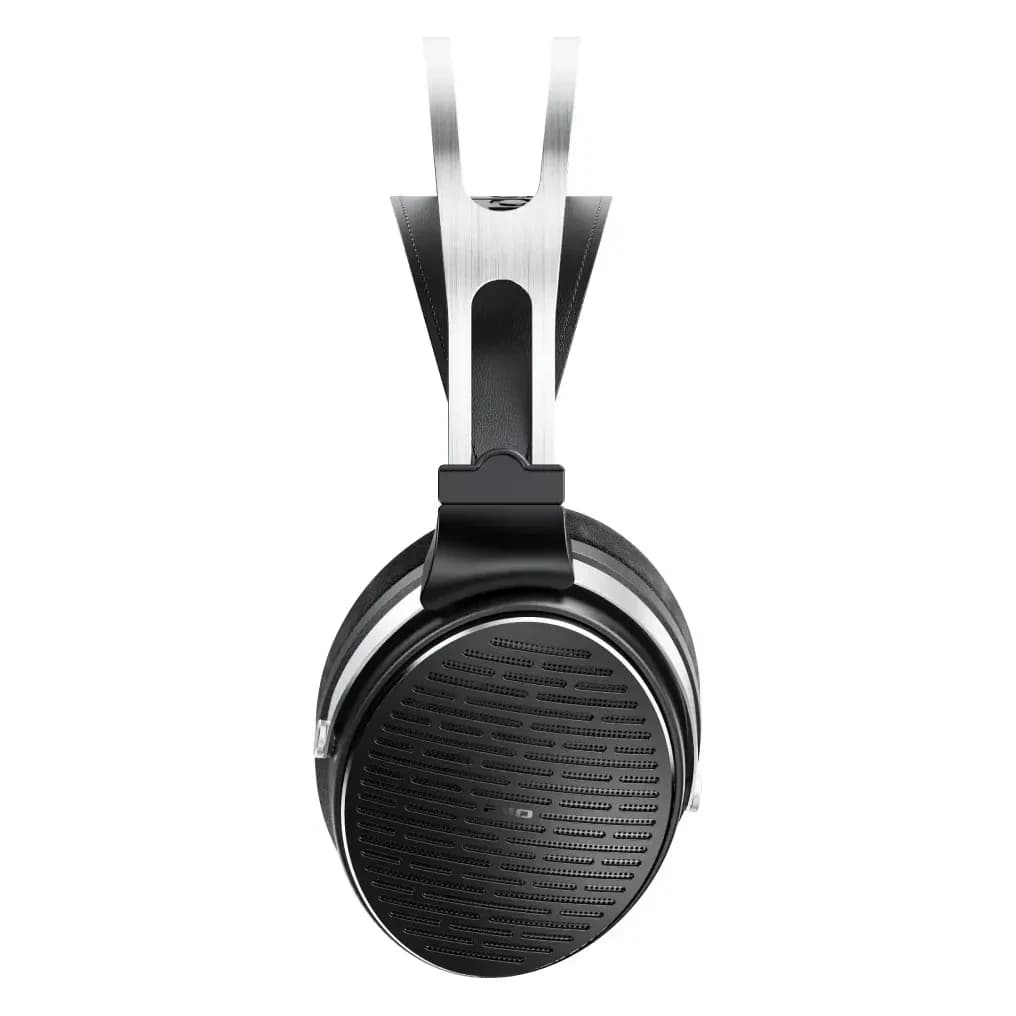
- You're not alone in the room: closed-back headphones with a mic cable, such as the FiiO JT1. Playing on your own and sound may leak: the open-back FiiO JT3.

Long sessions are long listening sessions too. Rather play a bit quieter with well-sealing IEMs than louder against the noise. Our safe listening guide shows how to keep track.
Products in this guide

Read next
- 6 min readDo you need a DAC or amplifier?When a separate DAC or amplifier makes a real difference, and when your phone or laptop is already enough.
- 7 min readUSB-C dongle DACs compared: which one suits you?Every USB-C dongle we sell side by side: outputs, EQ, power and price. Plus when a portable DAC/amp is worth it.
- 9 min readImpedance and sensitivity: can your phone handle it?What ohms, dB/mW and dB/V mean, how to work out how much power your IEMs or headphones need, why output impedance matters and when a dongle really helps.