By Rejhan Kavazbasic · 6 min read · Updated 30 October 2026
In-ear monitors on stage: where to start
Why musicians swap wedges for in-ears, wired or wireless, universal or custom, and which affordable IEMs suit a first stage setup.
Why in-ears instead of wedges
A floor wedge blasts your monitor mix at you from a metre or two away. To hear it over the drums and the backline it has to be loud, and the whole stage gets louder with it. In-ears put that mix straight into your ear canal, while the tips block most of the stage noise.
- You hear yourself at a lower volume, because you're no longer competing with the room.
- Your mix sounds the same wherever you stand, also when you walk to the front of the stage.
- Less sound from monitors means less risk of feedback and a cleaner sound out front.
- No more heavy wedges to load in and out.
There's a downside too. With a good seal you hear less of the room and the audience, and that can feel isolated at first. The fix is to ask for one or two audience mics in your mix. Don't take one in-ear out: that ear then gets the full stage volume, and you turn the other one up to keep up.
Protecting your hearing
Hearing damage depends on how loud and how long. A common guideline is that 85 dB is safe for 8 hours, and every 3 dB more halves that time. At 94 dB you're down to one hour. A rehearsal room with a drummer easily goes past 100 dB.
That's where in-ears pay off. The tips block a large part of the stage noise, so you can set your own mix much lower than a wedge. That only works with a good seal: if the tip leaks, you turn up to compensate and lose the benefit.
Set the level at soundcheck
Turn your belt-pack all the way down before you put the in-ears in. During soundcheck, bring it up slowly until you hear yourself clearly, and no further. If your system has a limiter, switch it on: it catches sudden peaks such as feedback or a dropped mic.
Universal or custom
Universal in-ears are the kind we sell: one shape for everyone, with silicone or foam tips to make them fit. Custom in-ears are built from impressions of your ears, taken by an audiologist.
| Universal | Custom | |
|---|---|---|
| Fit | Through the tip, try sizes | Made for your ears |
| Isolation | Good with the right tip, best with foam | Very good |
| Price | Low | Several hundred euros or more, plus the impressions |
| Ready | Right away | After several weeks |
| Lost or broken | Cheap to replace | Expensive, and only remade from your impressions |
Our advice: start with universals. You'll learn what you want from your mix and your fit before you spend serious money. A pair of universals stays useful as a spare, also if you switch to customs later.
Wired belt-pack or wireless
Your in-ears need a signal: a monitor mix from the mixer, usually from an aux output. There are two ways to get it to your ears.
- Wired belt-pack: a small headphone amplifier on your belt, connected to the mixer by a cable. Cheap, and no radio problems. Ideal for drummers, keyboard players and anyone who mostly stays in one spot.
- Wireless system: a transmitter at the mixer sends the mix to a receiver on your belt. You can move freely across the stage. It costs more, runs on batteries and needs a frequency that's allowed in your country and free at the venue.
With a digital mixer, each musician can often set their own mix from an app on a phone or tablet. Then a wired belt-pack per person is all the extra gear you need to start.
Whatever you choose, the in-ears plug into the belt-pack with a normal 3.5 mm plug, just like into a phone. All IEMs in our range have one.
Cable, mic and a fit that stays put
- Wear the cable over your ear. That keeps the IEMs in place when you move, and you hear less rubbing noise from the cable.
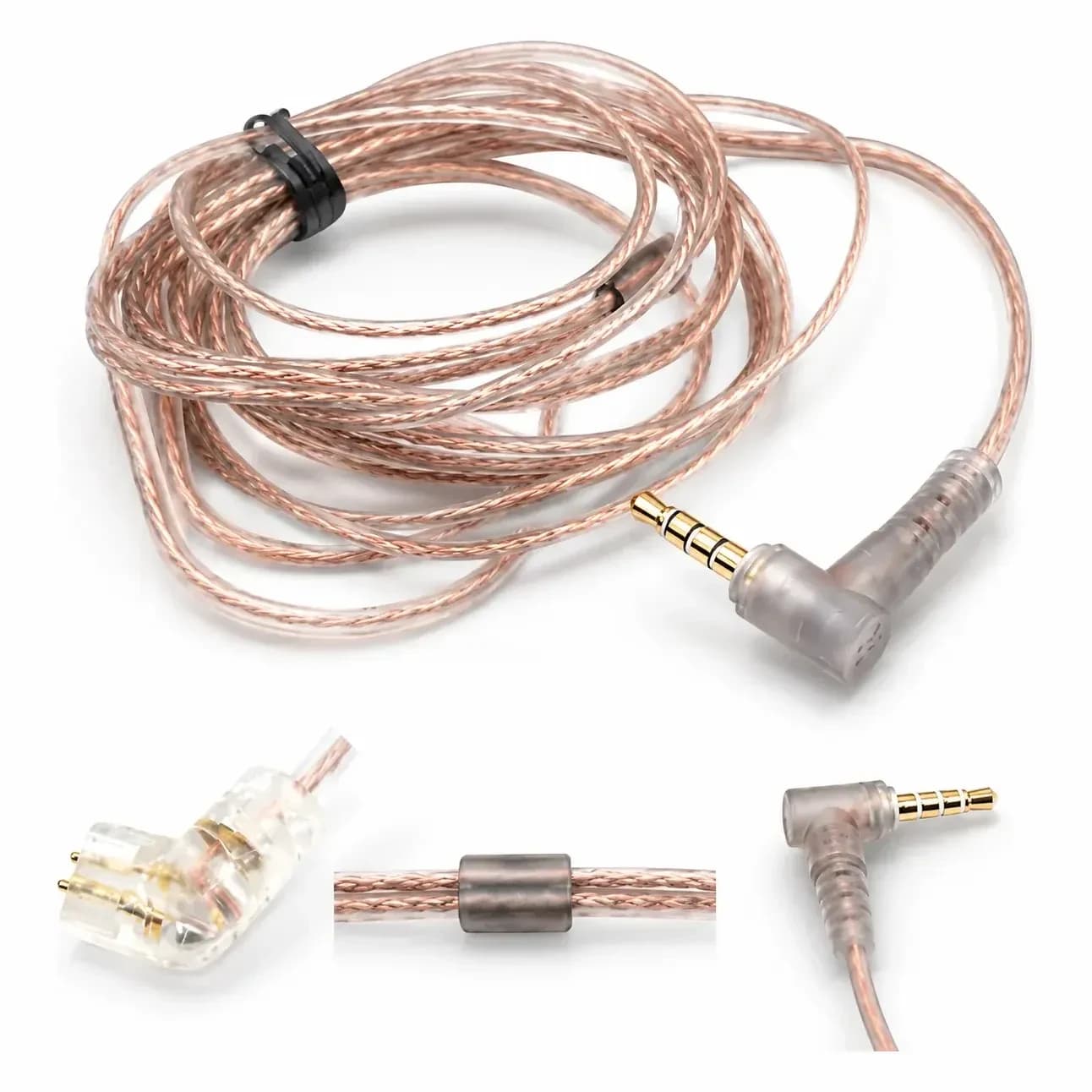
- Choose a detachable cable. On stage the cable is usually the first thing to fail. With a detachable one you swap it in a minute instead of replacing the IEMs.
- You don't need a microphone on the cable on stage. It does no harm, but the version without has one less part to catch on your clothes.
- Run the cable under your shirt and clip it to your clothes, so a tug on the cable doesn't pull the IEMs out.
If you move a lot, try foam tips. They expand in your ear canal and stay in place better during a lively set.
Pack a spare
Keep a spare cable and spare tips in your gig bag. For KZ IEMs with a KZ type C socket, such as the EDX Pro, ZSN Pro and ZS10 Pro, we have a replacement cable.
Affordable universals for a first setup
For a first setup you don't need an expensive IEM. Look for a stable fit, a detachable cable and enough sensitivity. The models below all use a 0.75 mm 2-pin cable. Where the box lists the sensitivity, it's between 108 and 112 dB/mW, so any belt-pack drives them loud enough.
- KZ EDX Pro: one 10 mm dynamic driver, 15 g, cable without mic. Cheap enough to keep a second pair in your bag.
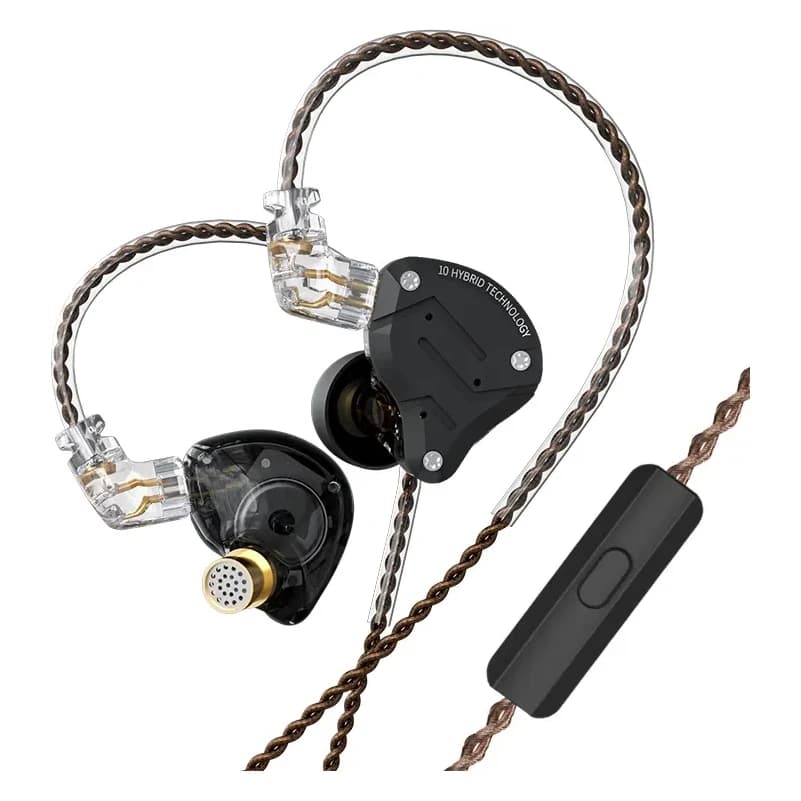
- KZ ZSN Pro: a hybrid with one dynamic driver and one balanced armature behind a metal faceplate. The grey version has a mic on the cable, the purple one comes without.
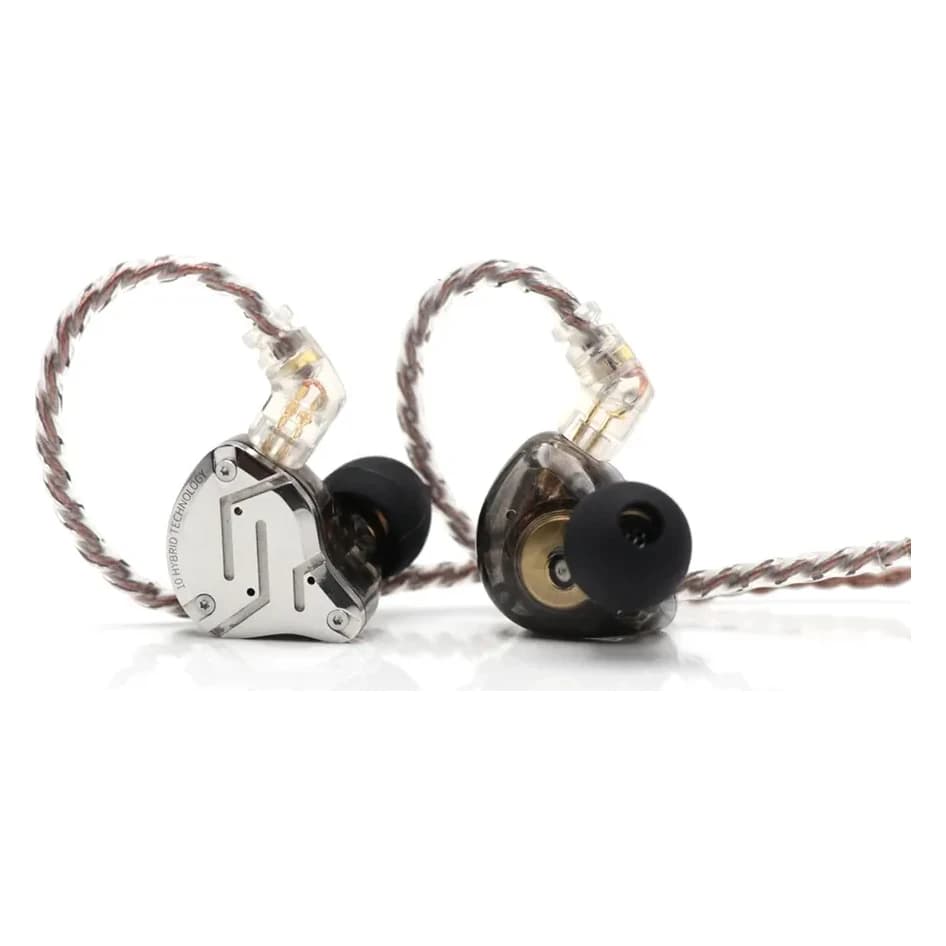
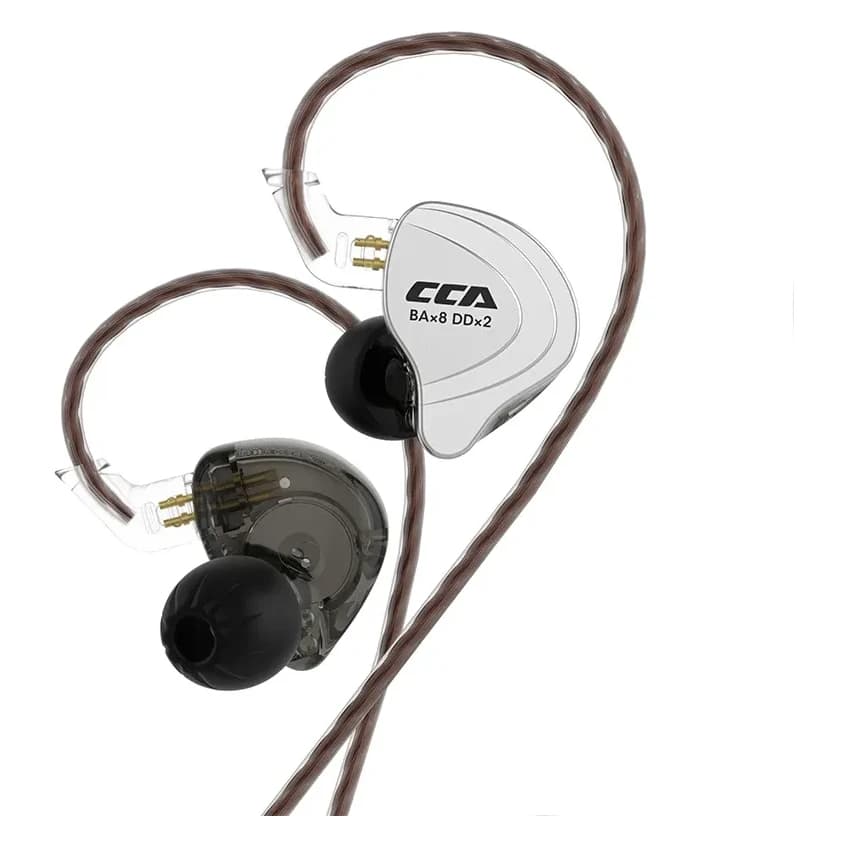
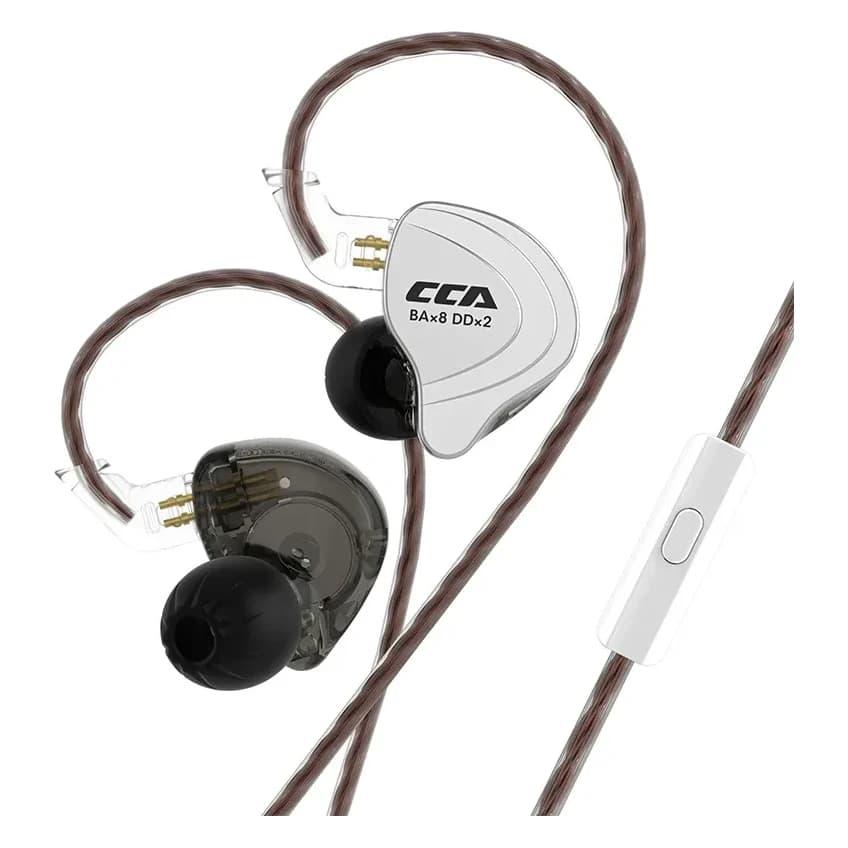
- KZ ZS10 Pro and CCA C10: one dynamic driver and four balanced armatures per side, if you want a multi-driver hybrid. Their measured curves sit close together, with less bass than the EDX Pro.
Products in this guide


 Like new
- Photo coming soon