By Rejhan Kavazbasic · 6 min read · Updated 30 October 2026
Cleaning and caring for your IEMs
How to clean nozzles and ear tips without damaging anything, what to do after a sweaty session, how to treat the cable, and how to tell what's wrong when one side sounds off.
Where dirt ends up
An IEM sits in your ear canal for hours, so earwax, skin oil and sweat end up on it. Most of it collects in two places: the ear tip and the nozzle, the little tube the tip sits on. The nozzle usually has a fine mesh in the opening that keeps dirt out of the driver. When that mesh gets blocked, less sound gets through.
There's often a small vent in the shell as well. It lets air move behind the driver. If it's covered with dirt, the bass can change.
Cleaning the nozzle
Once a week is plenty for daily use. It takes two minutes.
- Take the ear tip off.
- Hold the IEM with the nozzle pointing down, so loose bits fall out instead of in.
- Brush the mesh gently with a dry, soft brush. A clean, soft toothbrush that you only use for this works fine.
- Wipe the nozzle and the shell with a dry, lint-free cloth.
- Check the vent and brush it lightly if it's dirty.
What not to do
No water, no cleaning spray and no alcohol on or near the nozzle. Don't poke a needle or toothpick into the mesh: it pushes wax further in or tears the mesh. Don't blow into it either, since your breath is moist.
Some IEMs have replaceable filters in the nozzle and come with spares. If yours do and brushing doesn't bring the sound back, swap the filter. If yours don't, the mesh is part of the nozzle and brushing is the way to go.

Ear tips
Tips are the part that touches your ear, so they need the most attention. Silicone can be washed, foam can't.
| What | How often | How |
|---|---|---|
| Silicone tips | Every week or two | Take off, rinse in lukewarm water with a drop of mild soap, let them dry completely |
| Foam tips | Every few days | Wipe with a dry cloth. Don't rinse |
| Nozzle | Weekly | Dry, soft brush, nozzle pointing down |
| Shell and cable | Weekly | Dry or slightly damp cloth, then dry it off |
| Whole set | After sport or a gig | Wipe off sweat and let it air dry before storing |
Replace tips when silicone tears, loses its shape or stays sticky after washing, or when foam springs back quickly instead of slowly. Also when the bass sounds thinner than it used to and nothing else has changed. The ear tips guide goes into sizes and materials.
Check the fit on the nozzle
Make sure the tip clicks firmly onto the nozzle. A loose tip can stay behind in your ear when you take the IEM out.
Sweat and moisture
None of the IEMs we sell lists a water resistance rating, so treat them as not waterproof. Sweat is salty and slightly acidic, and it's the moisture that does the damage over time.
- After the gym, a run or a gig: wipe the IEMs and the cable dry.
- Let them air dry on a table for an hour before they go in a case or a closed pouch.
- Don't dry them on a radiator or with a hair dryer. Heat can deform the tips and loosen glue.
- A silica gel packet, the kind that comes with new shoes, in your case helps keep it dry.
- Don't wear IEMs in the shower or the pool.
Taking care of the cable
The cable takes the most abuse, and the weak spots are where it bends most: at the plug and where it enters the earpiece.
- Unplug by holding the plug, not the cable. That goes for the 3.5 mm plug and for the connectors on the earpieces.
- 2-pin: pull straight out. Don't wiggle side to side, it loosens the socket.
- MMCX: pull straight off too. Turning it on and off over and over wears out the snap.
- Coil the cable in loose loops of about a hand's width. Winding it tightly around your phone or your fingers kinks it at the ends.
- If the cable has preformed ear hooks, don't bend them straight. They're shaped to go over your ear.
Using our KZ Bluetooth cable? Charge it with a charger of at most 1.5 A, as KZ specifies. Not with a fast charger.

Storing and carrying
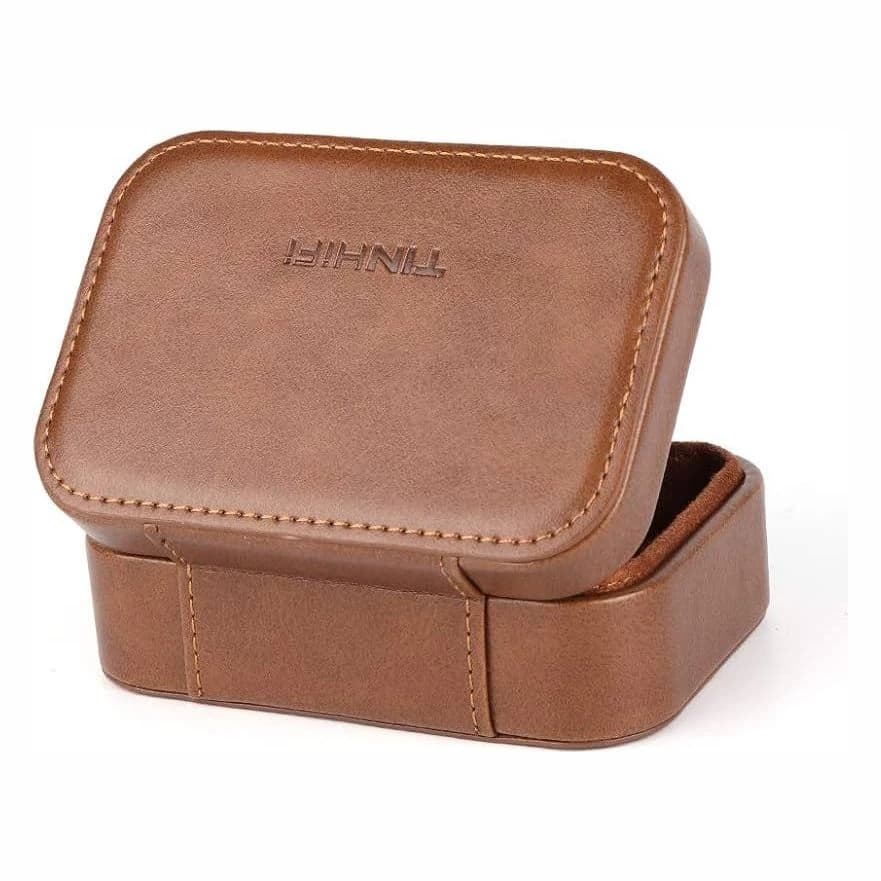
Loose in a pocket with keys and coins, a shell gets scratched and a nozzle can bend. A simple case or pouch solves that. The product page lists what's in the box. If there's no case, it's worth getting one.
Keep them out of a hot car and out of direct sun on a window sill. Heat isn't good for silicone, glue or a battery in a Bluetooth cable.
When something sounds wrong
Most problems have a simple cause. Work through this before you assume something is broken.
| What you hear | Likely cause | What to do |
|---|---|---|
| One side quieter or muffled | Wax in the nozzle, or that tip doesn't seal | Clean the nozzle. Try another tip size on that side |
| Bass suddenly thin, sound seems outside your head | A flat 2-pin plug is in the wrong way round on one side | Turn that plug around |
| Crackling or dropouts when you move the cable | Worn cable or a loose connector | Try another cable. If that fixes it, the old cable is the problem |
| Crackling only on loud bass | EQ boost pushing the signal into clipping | Lower the preamp in your EQ app |
| Less bass than when it was new | Worn tips | Replace the tips |
Still not right after all that? Email us. If it's a defect, it falls under the warranty, and we handle that with the manufacturer.